
Price a complete compatible setup, then defer extras until they solve a demonstrated need.
Set the requirement before setting the shopping basket
The lowest sticker price is not useful if the radio cannot receive your intended system. Start with the named channels and required modes, then identify the least complicated setup that meets them. A compatible modest setup can be a better purchase than an impressive radio bought for the wrong reason.
Keep a separate ceiling for the whole project. That makes it harder for small extras to quietly turn a planned purchase into an expensive collection of adapters, cases and optional software.
Divide the list into four groups
The first group is the radio and items needed for ordinary operation. The second is anything necessary for your particular target, such as a documented optional mode. The third makes the chosen installation practical: an appropriate mount, power route or antenna connection. The fourth contains conveniences that can wait.
Write “included”, “needed”, “optional” or “unconfirmed” beside each item. Check current box contents for the exact listing. Uniden’s BCD436HP product page lists supplied accessories, while optional features and installation needs require their own checks. A bundle name alone is not a complete bill of materials.
Account for the computer and maintenance route
Some models use manufacturer software for database or firmware work. Verify that you have access to a supported computer and the correct cable. If you plan to pay someone to program the scanner, establish what happens when a local system changes or you want another listening list.
Separate a one-time setup service from an ongoing maintenance arrangement. Neither is automatically necessary for every buyer, and neither makes a radio compatible with unsupported systems. The useful comparison is the cost and effort of keeping your own intended setup usable.
Buy upgrades for a reason
An antenna purchase should address a defined installation or listening problem. A GPS kit should reduce a task you actually perform. A spare battery should fit your expected portable sessions. Each extra earns its place by solving something specific.
Avoid treating a premium accessory list as the standard cost of entry. Start with the documented complete setup, test it and add improvements deliberately. This also gives you a baseline for deciding whether a later purchase helped.
Compare sellers on the complete transaction
At checkout, review the exact model and region, included items, optional features, shipping, return terms and warranty route. A lower headline price can represent a different package. For a used radio, factor in uncertain battery condition, missing accessories and any activation claims that the seller cannot demonstrate.
We do not maintain manual Amazon prices or promise current stock. Use the merchant’s current listing to price your completed checklist. Save it with the model and date so you can compare like for like. The result should be a single total you understand, with clearly separated optional additions—not a cheap radio price followed by a string of surprises.
Put it into practice
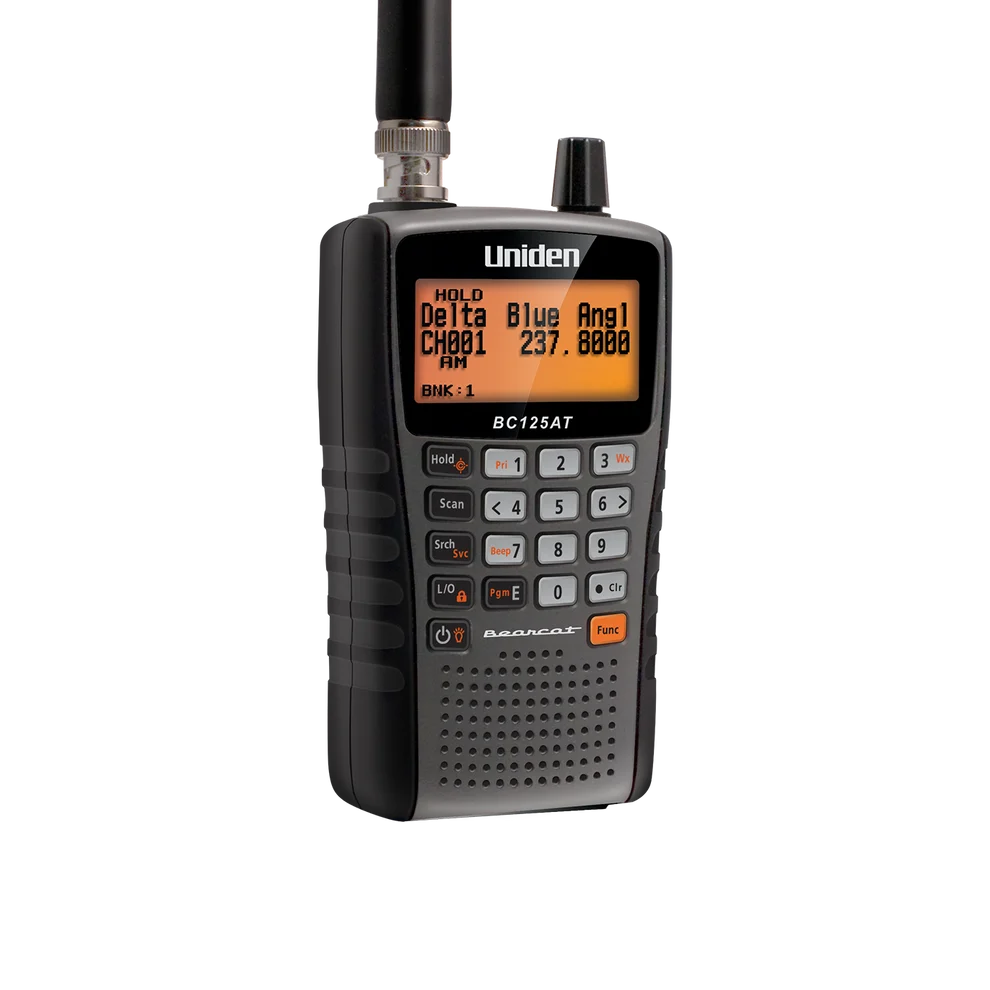
Conventional analog listening where readable channel names matter
Cannot receive digital voice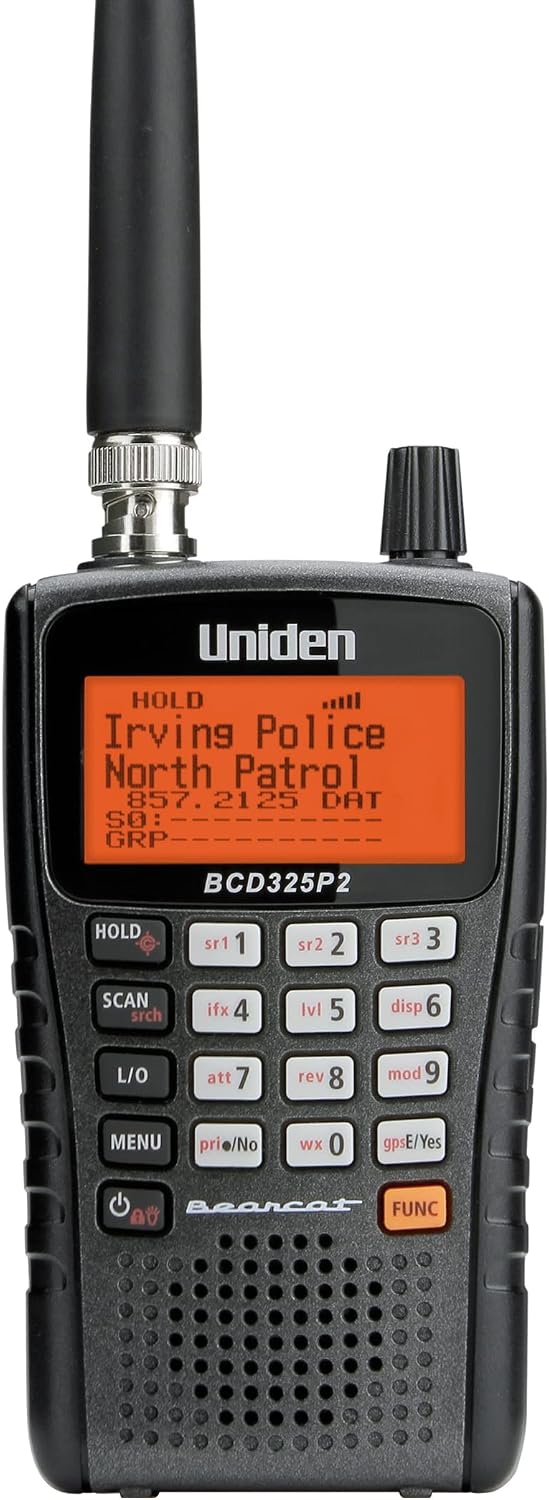
Listeners comfortable selecting and programming specific systems
Requires more deliberate system programming than a database model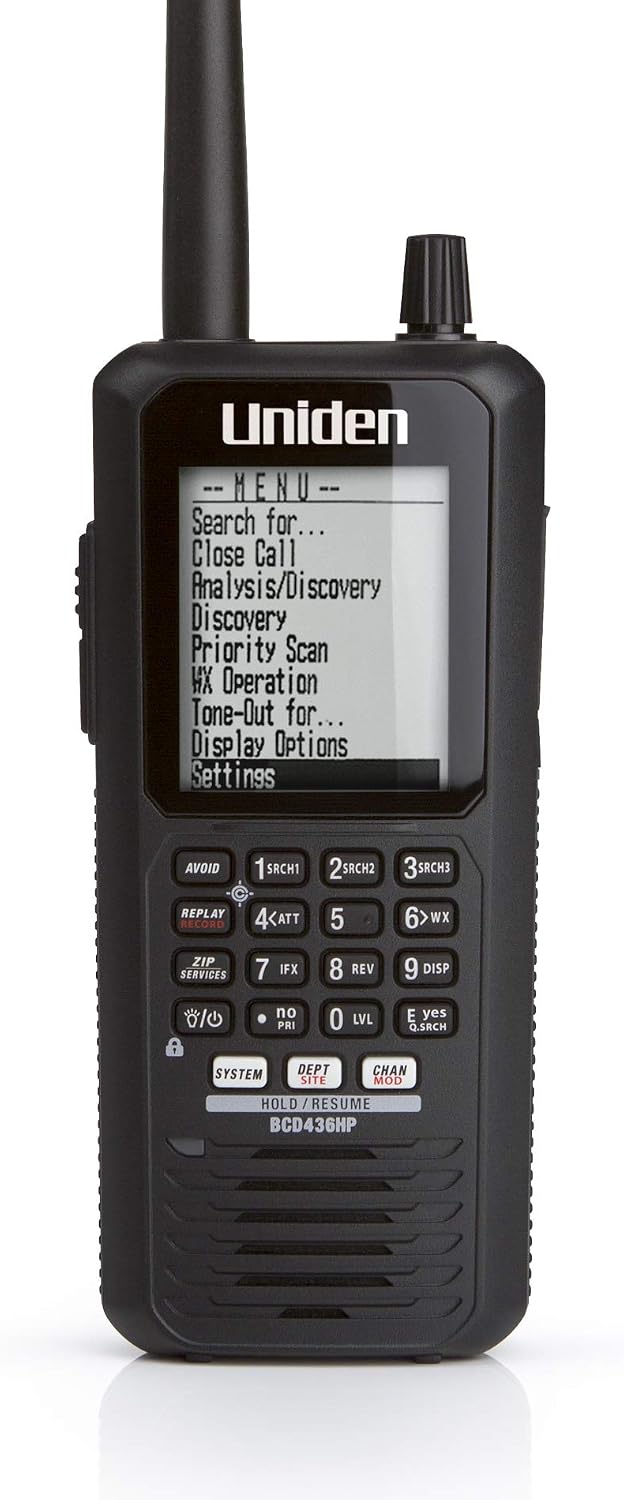
Listeners who want portable P25 trunking and a database-oriented workflow
No integrated GPS receiverSources & further reading
- Uniden BCD436HP specifications ↗Checked 2026-11-06
- Uniden BCD436HP software downloads ↗Checked 2026-11-06
- Whistler US scanner software downloads ↗Checked 2026-11-06
- Uniden BC-SGPS receiver kit ↗Checked 2026-11-06
- Uniden BPS100 battery ↗Checked 2026-11-06