
Identify the agency, radio system, voice mode and encryption status before choosing hardware.
Start with the conversations you actually want to hear
Write down two or three listening priorities: a particular dispatch service, local fire activity, an airport or a nearby rail line. “Everything in my county” is too broad to be a useful purchase requirement. Different organisations in the same place can use different technology, and even one agency may have several types of channel.
Create a short worksheet with a row for each priority. Leave unknown answers blank rather than guessing from another county or a seller’s general promise. You are assembling a set of requirements for the radio, not trying to become an expert in every communications system.
Build a four-part system record
For each priority, establish the frequencies or band, whether operation is conventional or trunked, the voice format and whether the traffic is encrypted. A current local agency information page can be a useful starting point; specialist system directories can add detail, but check when the entry was last revised. Ask a knowledgeable local scanner dealer to identify the exact system when the evidence is unclear.
Record the source and date beside each answer. For a trunked system, retain its name and the relevant site or coverage area rather than collecting a random list of voice frequencies. A screenshot without a system name makes it much harder to resolve uncertainty later.
Compare requirements with the exact scanner
Match each row against the manufacturer’s supported-system list. The BC125AT is explicitly an analog model; its channel capacity does not give it digital decoding. The BCD436HP documentation distinguishes P25 Phase I and Phase II support. Those details illustrate why a generic “digital scanner” label is insufficient.
Treat optional modes as separate purchase decisions. Also distinguish documented compatibility from predicted reception at your home. Matching the format is necessary, but it does not prove that a particular indoor position will receive useful audio. If simulcast is involved, make that an explicit requirement when asking for model advice.
Know when the answer is no
The scanners covered here are not a solution for listening to encrypted traffic. An expensive antenna, a digital upgrade or entering a ZIP code does not remove that limitation. If the only conversations you care about are encrypted, the sensible outcome of this checklist may be to avoid buying a scanner.
Mixed clear and encrypted traffic needs a narrower expectation. Decide whether the remaining accessible channels are interesting enough to justify the purchase. Do not treat a few available talkgroups as evidence that every operational conversation will be audible.
Make the first listening session a controlled check
Choose a seller with a clearly understood return policy, keep the packaging and test the confirmed system soon after arrival. Start with one known target and a simple configuration. Confirm enabled service types, selected sites, volume and squelch before changing several settings together.
A useful pre-purchase result is a written sentence: “I want to hear these named channels, using this system, and this exact model supports the required unencrypted format.” If you cannot complete it confidently, resolve the gap before checkout. This guide provides a method, not a live county-by-county compatibility guarantee.
Put it into practice
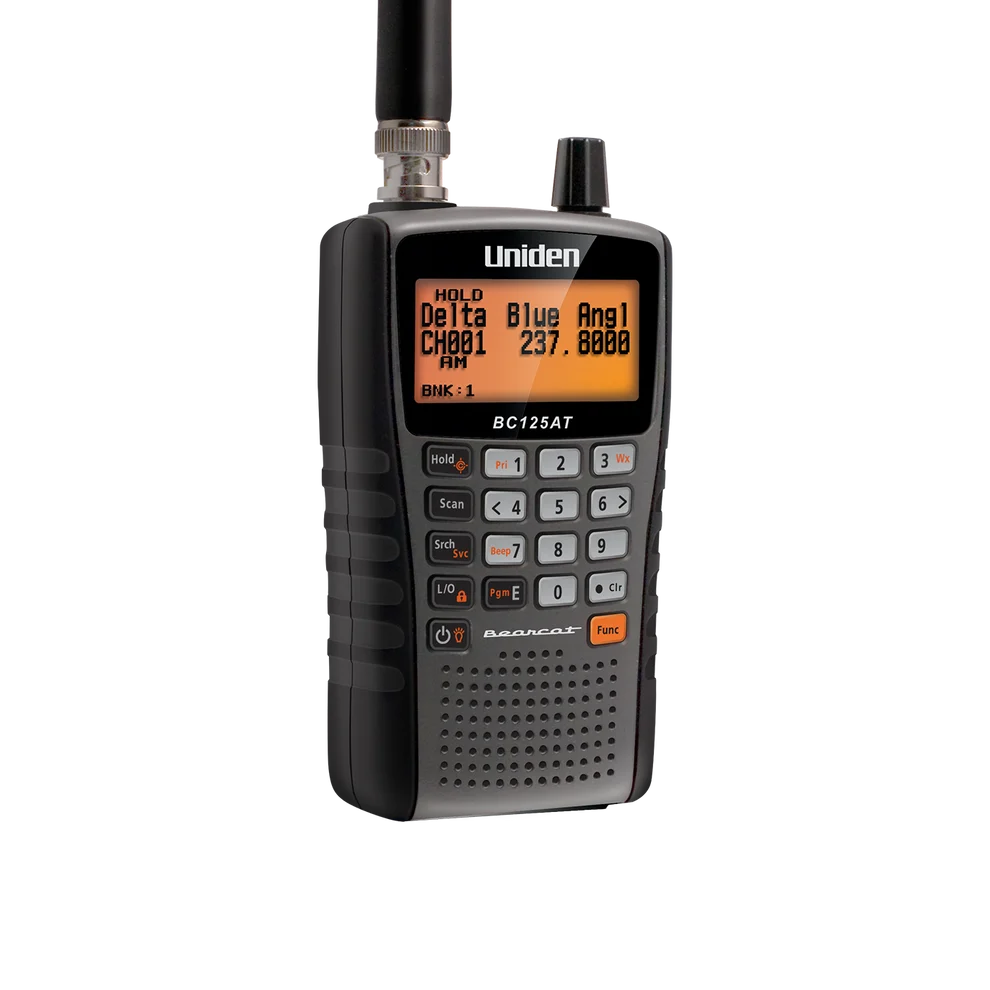
Conventional analog listening where readable channel names matter
Cannot receive digital voice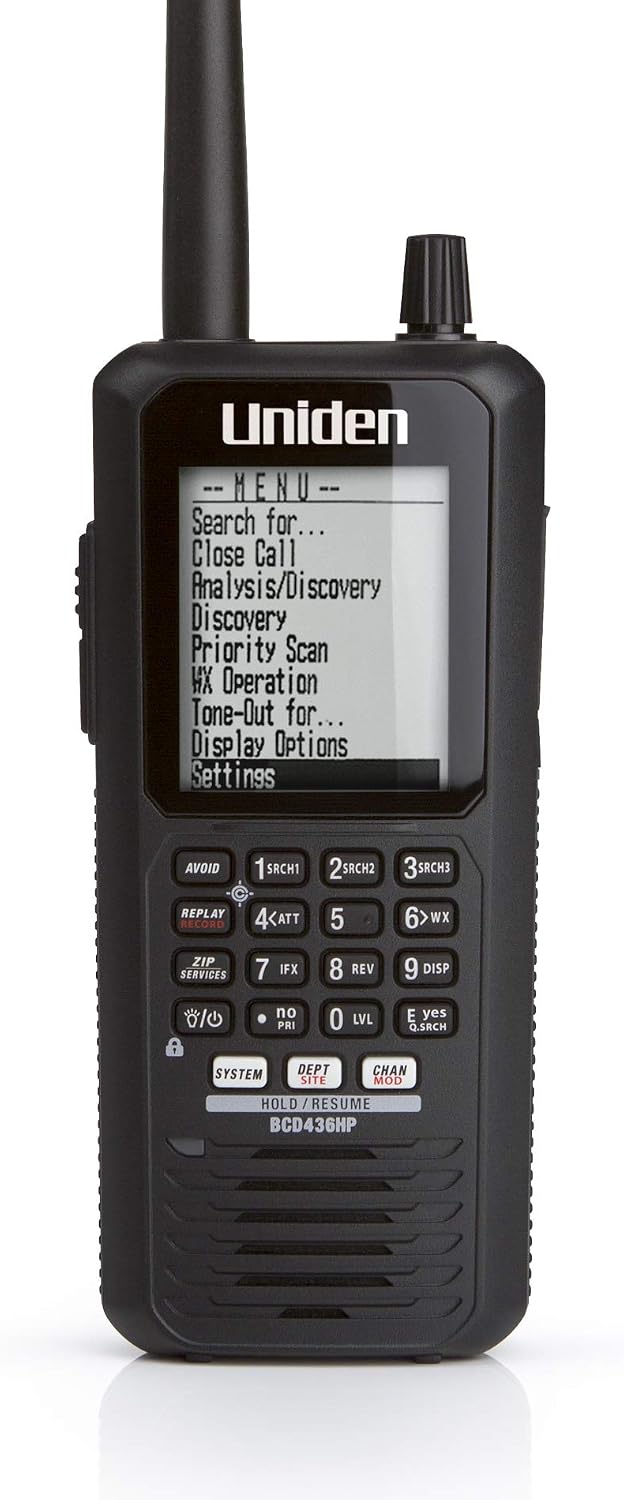
Listeners who want portable P25 trunking and a database-oriented workflow
No integrated GPS receiver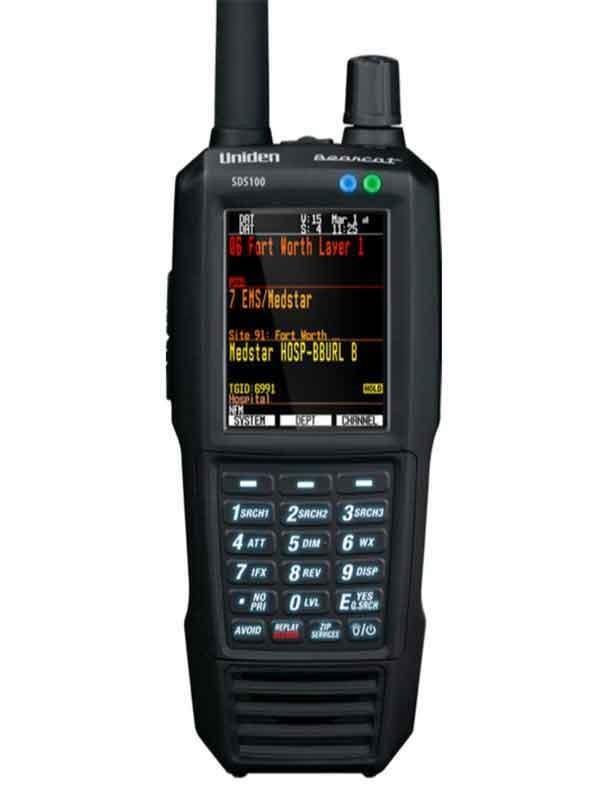

Listeners who need a portable P25 scanner and want to evaluate the SDS receiver design for local simulcast
External GPS adds hardware and cablingSources & further reading
- Uniden BC125AT specifications ↗Checked 2026-11-06
- Uniden BCD436HP specifications ↗Checked 2026-11-06
- Uniden SDS100 owner’s manual ↗Checked 2026-11-06
- Uniden common scanner questions ↗Checked 2026-11-06