
GPS helps a compatible scanner choose what to scan; it does not extend reception range.
What location-based scanning is for
A travelling listener may want the radio to consider different systems as the listening location changes. Location-based scanning addresses that selection problem. It should not be confused with navigating to an incident or increasing the range of the radio itself.
If you normally listen from one desk, first ask whether manually choosing your location or a small favorites list already does the job. An external GPS accessory is most interesting when its automation solves a repeated task, not merely because the radio has a compatible socket.
A location entry is not necessarily a live GPS connection
A scanner may allow a ZIP code or coordinates to be entered without containing a GPS receiver. The SDS100 manual explicitly describes using an external GPS unit for continuing location updates. Read the exact model’s documentation before assuming the word “GPS” means the receiver is built in.
This distinction belongs in your budget. List the radio, the compatible receiver, the required cable and their power arrangements. If a bundle is advertised, compare its actual contents with that list rather than assuming every necessary part is present.
Check the connection chain end to end
Uniden’s BC-SGPS is a serial GPS kit with a named compatibility list. Other scanners may use different connectors or require additional parts. Compatibility with one member of a brand’s range should not be transferred to another model because the names look similar.
Verify the scanner-side port, receiver output, cable and required configuration from primary documentation. A phone’s ability to find its own position is not evidence that it can supply the data a scanner expects. Avoid buying a generic USB GPS puck merely because it has “GPS” in its name.
Selection radius and reception are different
The location and range settings control which programmed systems or sites are considered. They do not form a measured radio-coverage map for the room or vehicle you are in. A selected system may still be out of useful receiving range, and a relevant target may need appropriate location information in the configuration.
Keep the first setup deliberately small. Confirm that the scanner has a usable position and selects the intended nearby system before widening the range. Selecting many distant systems can make the display look busy without giving you more useful listening.
Decide whether the extra complexity pays off
For frequent travel, automatic selection may reduce repeated manual work. For occasional outings to a familiar location, a saved configuration can be simpler. The better option is the one that matches your actual routine and that you can maintain confidently.
Treat GPS as a convenience layer over an already compatible scanner. It does not add missing digital modes, bypass encryption or establish that every database entry is current. Confirm basic reception first, then add location automation and verify that it behaves as expected. That sequence keeps a GPS problem from being mistaken for a radio problem.
Put it into practice
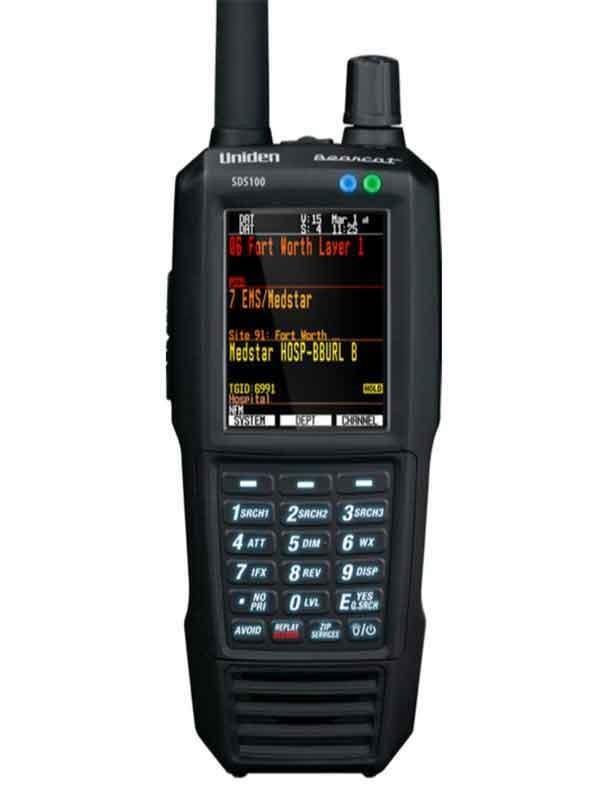

Listeners who need a portable P25 scanner and want to evaluate the SDS receiver design for local simulcast
External GPS adds hardware and cabling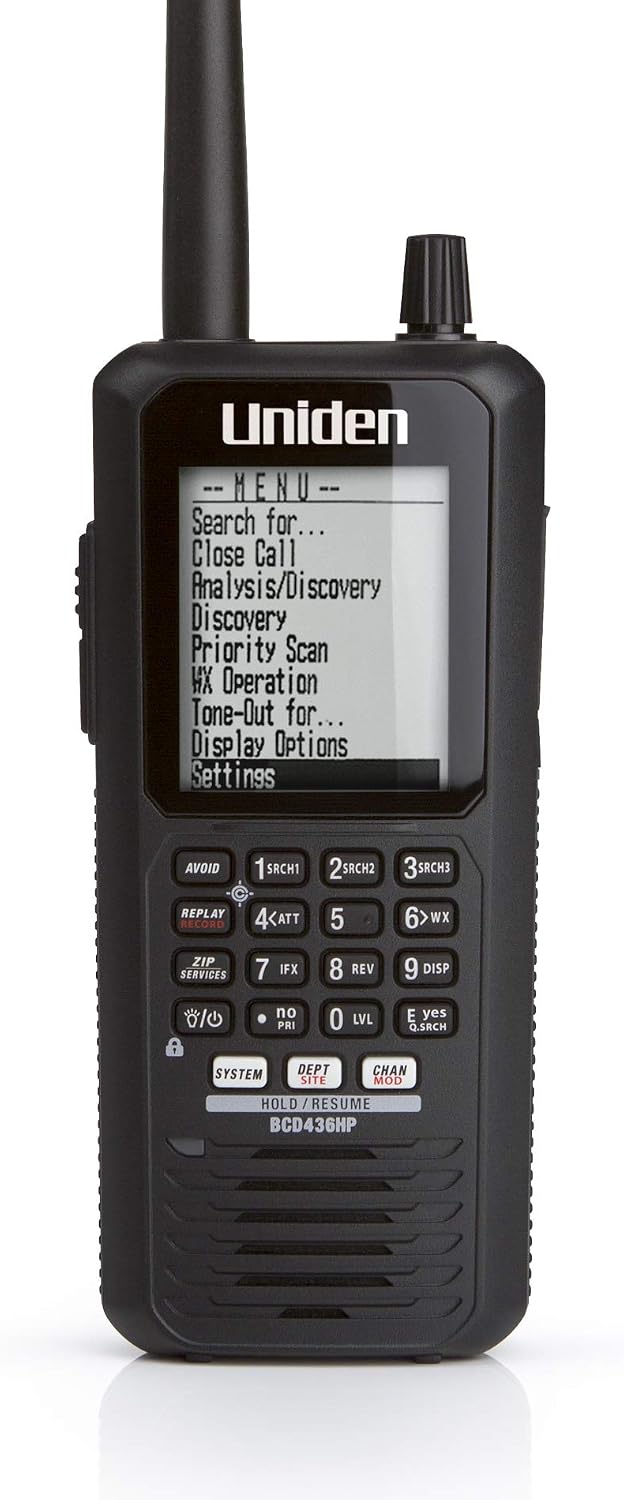
Listeners who want portable P25 trunking and a database-oriented workflow
No integrated GPS receiver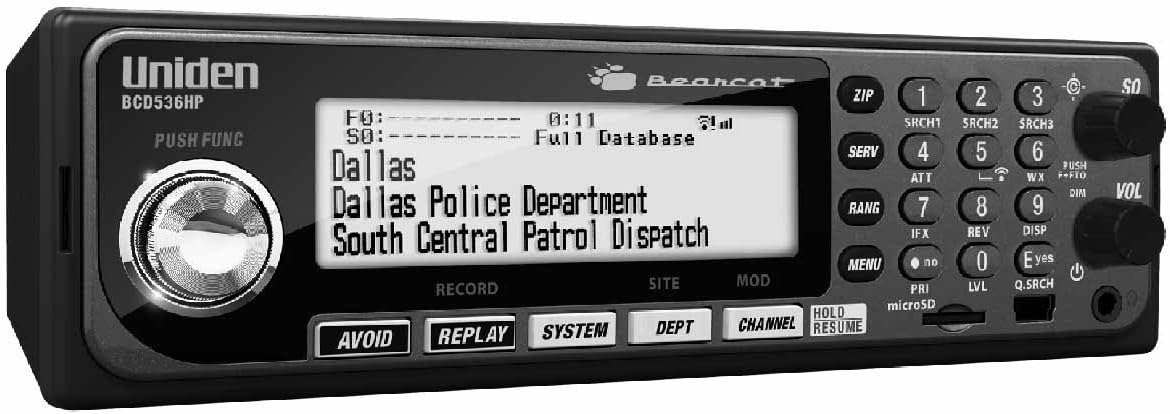
A desk or vehicle installation where database programming matters
Wi-Fi features require their own setup and compatibility checksSources & further reading
- Uniden SDS100 owner’s manual ↗Checked 2026-11-06
- Uniden BC-SGPS receiver kit ↗Checked 2026-11-06
- Uniden BCD436HP / BCD536HP owner’s manual ↗Checked 2026-11-06