
THE SHORT VERSION
Our verdict
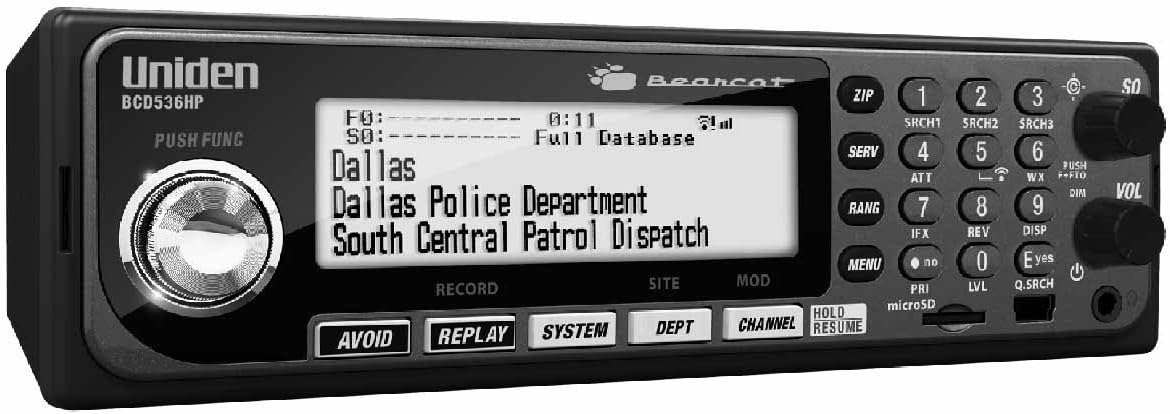
The BCD536HP is worth comparing when the requirement is a stationary digital scanner with location-based database programming. It takes the same general buying idea as the BCD436HP into a base/mobile format, so the first question is installation rather than raw model prestige. We would shortlist it for a known compatible system and an owner who values organising Favorites Lists from a computer. The SDS200 deserves a separate look when local simulcast is the main challenge. This review does not claim that either radio has been reception-tested by us at your address.
A good fit for
A desk or vehicle installation where database programming matters
Consider something else if
You want a portable battery-powered radio or have not checked the local system
Reasons to consider it
- Database and Favorites List workflow
- Base/mobile format with external power options
- Recording and replay for supported monitoring
Trade-offs to know
- Wi-Fi features require their own setup and compatibility checks
- Not the SDS I/Q receiver design
AT A GLANCE
The important details
- Format
- Base / mobile
- Signal
- Analog + digital
- Trunking
- Yes — supported systems
- P25
- Phase I & II
- GPS
- External receiver required
- Power
- External AC / DC
- Programming
- Sentinel / HomePatrol database
Specifications are drawn from the linked documentation. Confirm the exact model, current firmware and included accessories with the manufacturer before purchase.
Build the station around the use case
Before choosing a base model, decide whether it will sit on a desk, a shelf or a vehicle mount. Allow room for the antenna and power connections as well as the faceplate. A tidy, readable installation is more valuable than buying additional features that remain unused. The BCD536HP is not a portable substitute for its handheld sibling, even though both can cover similar supported systems.
Programming and listening choices
Uniden specifies HomePatrol database support, P25 Phase I/II, recording/replay and S.A.M.E. weather features. The meaningful workflow is selecting the services you care about, storing an understandable configuration and keeping it updated. Avoid judging the result only by the amount of traffic received. A carefully filtered dispatch list may be quiet until the relevant service is active, while a broad scan can sound busy without meeting your purpose.
Connections are a separate decision
The product is advertised with Wi-Fi functionality, but a buyer should verify the present app, software and accessory requirements before making remote access the reason to purchase. External GPS is another optional arrangement rather than an integrated receiver. Work out which connections you really need and check them against the current documentation. This prevents a feature checklist from becoming an unexpected equipment list after the radio arrives.
Compare the whole setup
Use the BCD436HP comparison if flexibility between locations matters more than a permanent display. Use the SDS200 comparison if receiver behaviour on a difficult digital system is the key uncertainty. If your local listening list is analog-only, inspect a BCT15X or simpler base scanner instead. Include mounting, antenna and programming assistance in the comparison, and distinguish a supported voice format from a channel that is actually available unencrypted in your area.
A practical check before ordering
If remote control is essential, confirm the exact current application and connection arrangement before committing to this model. If it is not essential, leave that feature out of the initial decision and judge the front-panel listening experience instead. This keeps an attractive extra from distracting you from the radio’s supported systems, installation fit and routine maintenance requirements.
Accessories with documented model fit
These links use the exact-model source records. Read the individual fit and electrical requirements before ordering; a listed connector or model does not establish every use case.
- Uniden BNC telescopic antenna — An adjustable antenna for a desk setup
- Uniden base/mobile AC adapter — Power a compatible scanner at a fixed desk
- Uniden vehicle DC power cord — Use a compatible scanner from a vehicle outlet
- Uniden three-wire power harness — For a planned fixed vehicle installation
- Uniden BC-SGPS receiver kit — Automate location-based scanning on supported receivers
- Uniden USB Mini-B cable — Replace the correct data and power connection
What else belongs on your shortlist?
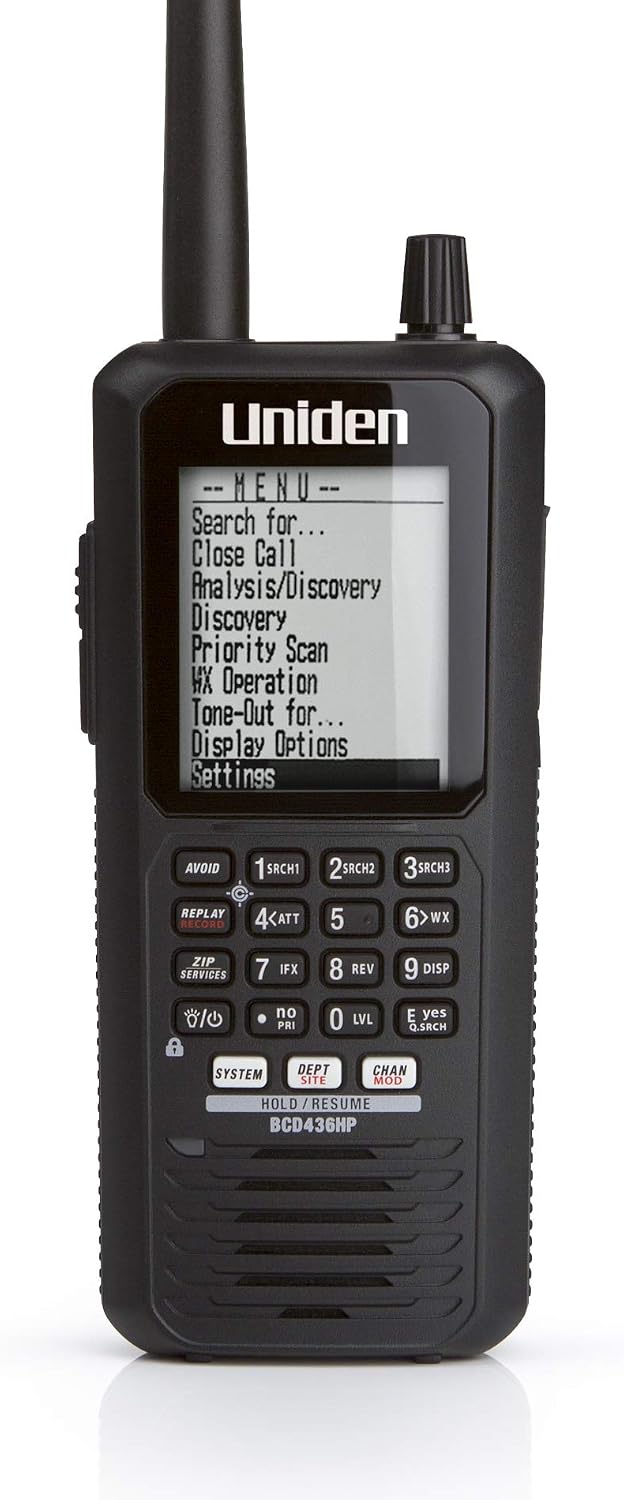
Listeners who want portable P25 trunking and a database-oriented workflow
No integrated GPS receiver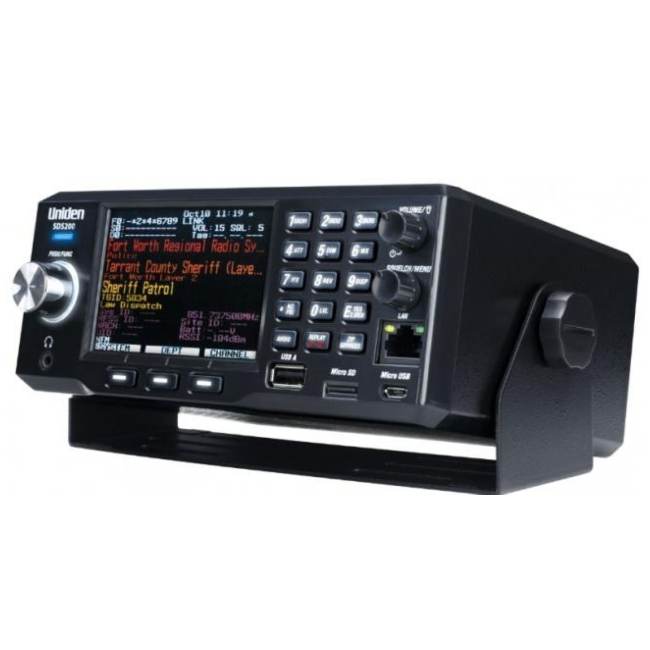

A fixed listening station or an installed mobile setup
Requires an external power arrangementCHECK THE EVIDENCE
Sources & specifications
- Uniden BCD536HP: manufacturer specifications ↗Checked 2026-11-06
How we choose and compare scanners. Match the model’s capabilities to your local radio systems before buying.