
Choose the radio system first, then the form factor that fits your daily routine.
Begin with a normal listening day
Picture where the scanner will spend most of its time: carried around the house, on a desk, beside a workshop bench or installed in a vehicle. That practical picture is often more revealing than comparing dimensions in isolation. A portable radio can be a good desk companion, but daily cable handling and charging may become annoying if it never moves.
Keep technical requirements constant while comparing formats. An analog desktop model is not an alternative to a digital handheld when the target requires digital reception. The physical format answers a different question from system compatibility.
When a handheld makes more sense
A handheld is the natural starting point when moving between locations matters. It keeps the display and controls with you, and its battery arrangement becomes part of the ownership decision. Read the battery section of the exact model’s manual: models do not all use the same cells, charging method or spare-battery strategy.
Before adding accessories, decide how you will carry it. A long antenna may be reasonable at a desk but awkward on a belt. A protective case must leave the controls, speaker and required connectors accessible. None of these considerations can be reduced to the smallest possible body dimensions.
When desktop or base/mobile makes more sense
A dedicated position can make a larger front panel and a planned antenna cable route more attractive. The SDS200 represents the base/mobile side of the SDS family, while the SDS100 is handheld. These are useful format examples, but their manuals still need to be checked individually for connections and setup.
Plan the entire desk space, including clearance behind the radio, the power adapter and where you will operate the controls. An inexpensive stand may be more useful than an extra software feature if it improves the viewing angle every day. Check the actual mounting arrangement rather than assuming every desktop-shaped unit fits the same bracket.
Vehicle installation is its own project
A base/mobile scanner can require decisions about mounting, power wiring, antenna placement and audio. Uniden’s installation guidance treats those connections as part of the installation rather than an afterthought. Plan the cable routes and mounting position before purchasing a radio and a pile of adapters.
Use model-specific installation instructions and an appropriate installer where needed. Controls and wiring should not obstruct ordinary vehicle operation. This buying guide does not provide a vehicle-specific wiring plan or determine the rules for scanner use in your location.
A simple way to make the decision
List the three things you will do most often: pick the radio up, change a channel, connect an antenna, listen for several hours, or move between rooms. Choose the arrangement that makes those activities straightforward. Then total the required accessories for that arrangement, including any spare power solution.
If you are genuinely split, compare a handheld and a desktop model that both meet your system requirements. Read both manuals before ordering, especially the power and programming chapters. A shape that suits your routine is valuable; paying for a more complicated installation you will never use is not.
Put it into practice
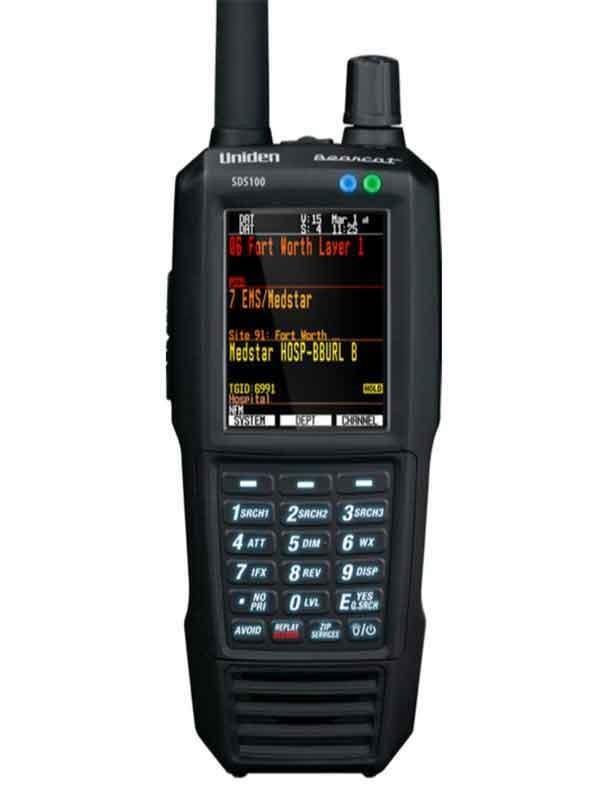

Listeners who need a portable P25 scanner and want to evaluate the SDS receiver design for local simulcast
External GPS adds hardware and cabling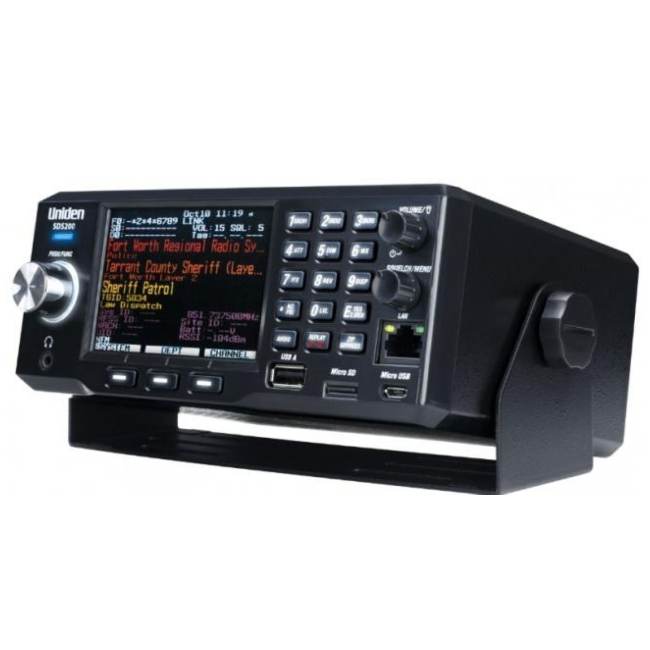

A fixed listening station or an installed mobile setup
Requires an external power arrangement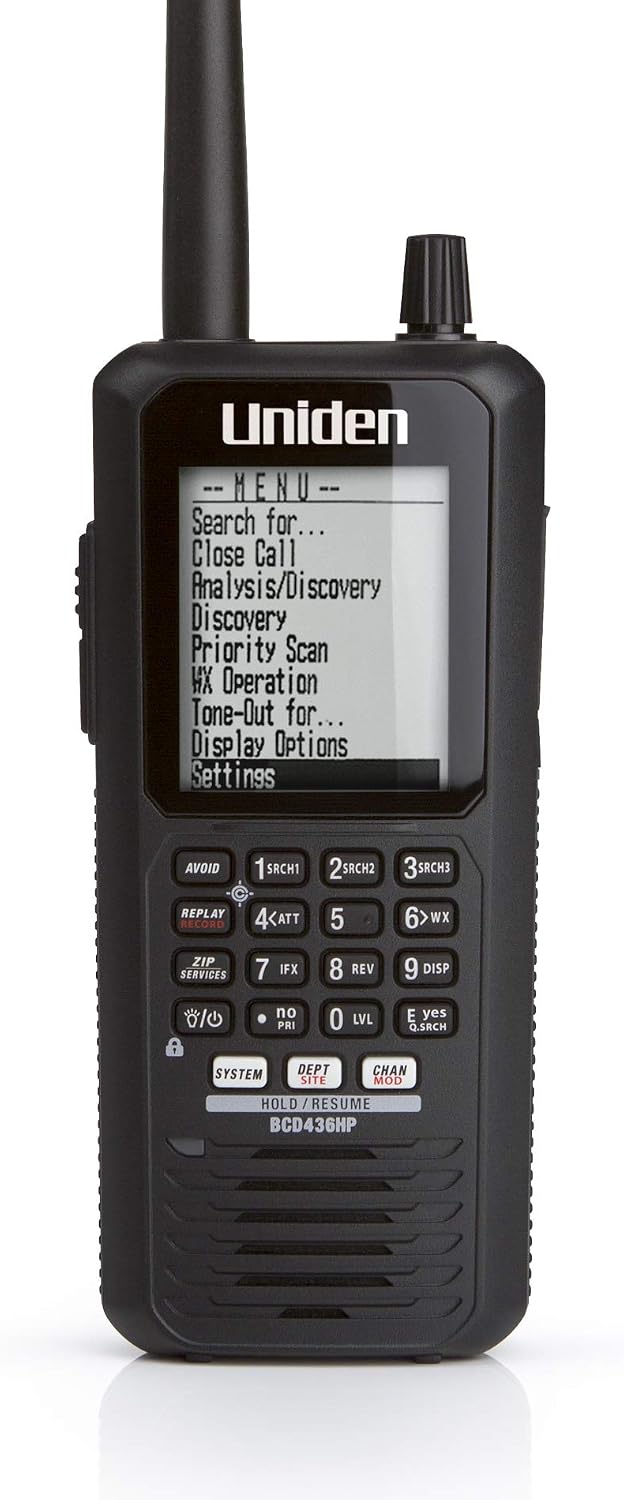
Listeners who want portable P25 trunking and a database-oriented workflow
No integrated GPS receiverSources & further reading
- Uniden SDS100 owner’s manual ↗Checked 2026-11-06
- Uniden SDS200 owner’s manual ↗Checked 2026-11-06
- Uniden BCT15X / BCD996XT hardware installation ↗Checked 2026-11-06
- Uniden BC125AT owner’s manual ↗Checked 2026-11-06