
Weather reception and automatic alerting are different features; verify the exact behaviour you need.
Separate hearing a forecast from receiving an alert
A receiver that can tune a weather broadcast may let you hear the current forecast when you select that channel. An alerting function has a different job: attracting your attention under specified conditions. Do not infer one from the other in a product listing.
Decide what you need before comparing models. Casual weather listening during a hobby session is different from wanting a device that will wake you for a relevant warning. Read the manual’s operating-mode requirements instead of assuming that an alert works in every scanning configuration.
Understand what SAME adds
The National Weather Service describes SAME as a way to select geographically relevant alert information. That helps explain why a receiver with an ordinary weather channel and a receiver with configurable alerts can behave differently. Programming the correct area is part of setup, not a capability to leave unchecked.
Use the current National Weather Service information for your location and the exact receiver’s instructions. Confirm reception and the documented test procedure. A generic product label is not a substitute for verifying that your selected transmitter and settings produce the behaviour you expect.
Choose a dedicated weather receiver when that is the main job
If warnings are your primary purpose, compare dedicated weather receivers on that task rather than buying a sophisticated scanner for its unrelated feature list. The NWS receiver guidance is a useful starting point for understanding desired alert features.
A scanner can remain an excellent hobby tool while a separate receiver handles routine alerts. We do not present any scanner as your sole emergency-information source. Choose complementary ways to receive information appropriate to your circumstances.
Other listening interests can change the best choice
Aviation, rail, marine and event listening may involve different bands and modes from local police dispatch. The BC125AT, for example, is positioned by Uniden for several analog listening interests. That does not mean it can follow every organisation or every event using those labels.
Make a separate compatibility check for each new interest. At an organised event, look for current official information about equipment, frequencies and venue requirements. Do not assume that a setup from a past event or another location is still applicable.
Organise the radio around listening goals
Create clearly named groups for the interests you actually follow. Keep a weather-listening mode or setup distinct enough that you understand when it is active. A single sprawling list can obscure which target is being monitored and why the radio is quiet.
Begin with one confirmed target in each group and expand gradually. Silence may simply mean nobody is transmitting at that moment. Keep expectations realistic: a scanner offers intermittent radio conversations, not a guaranteed continuous information feed. Its usefulness comes from compatible targets, sensible setup and knowing the limits of the selected mode.
Put it into practice
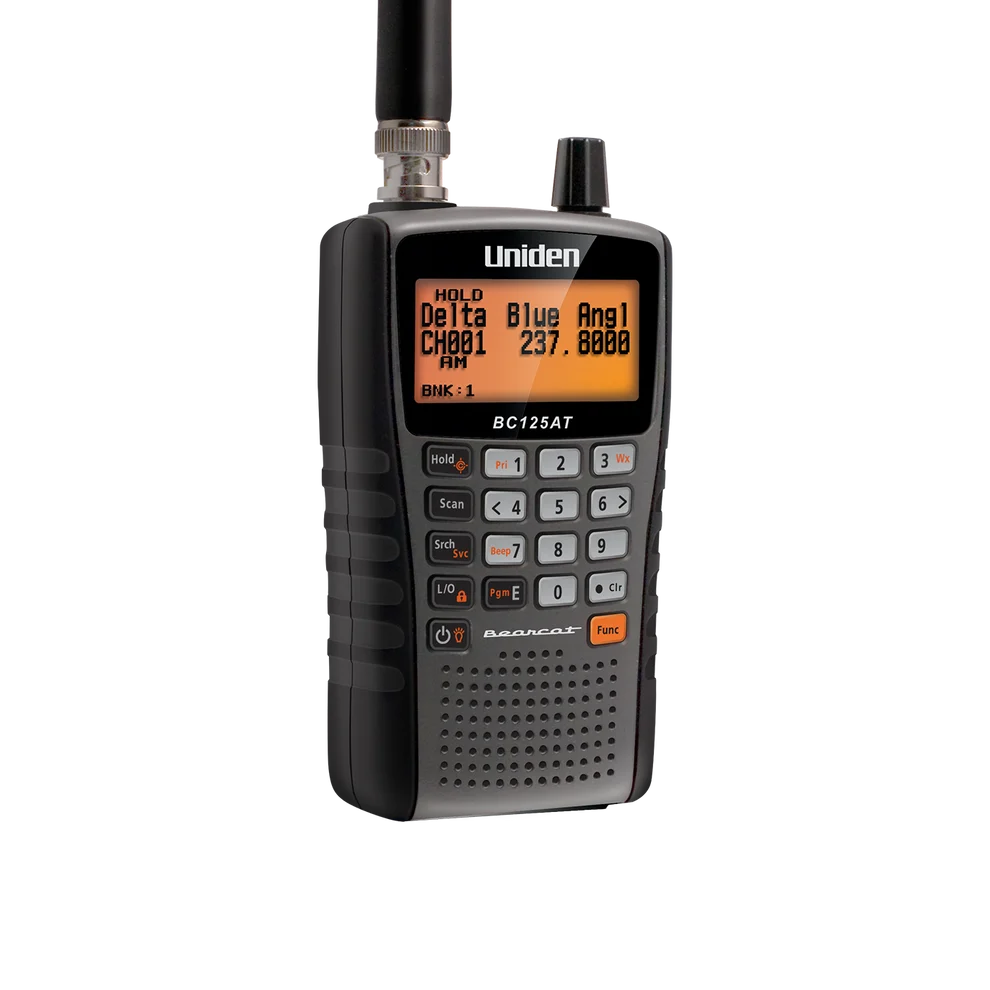
Conventional analog listening where readable channel names matter
Cannot receive digital voice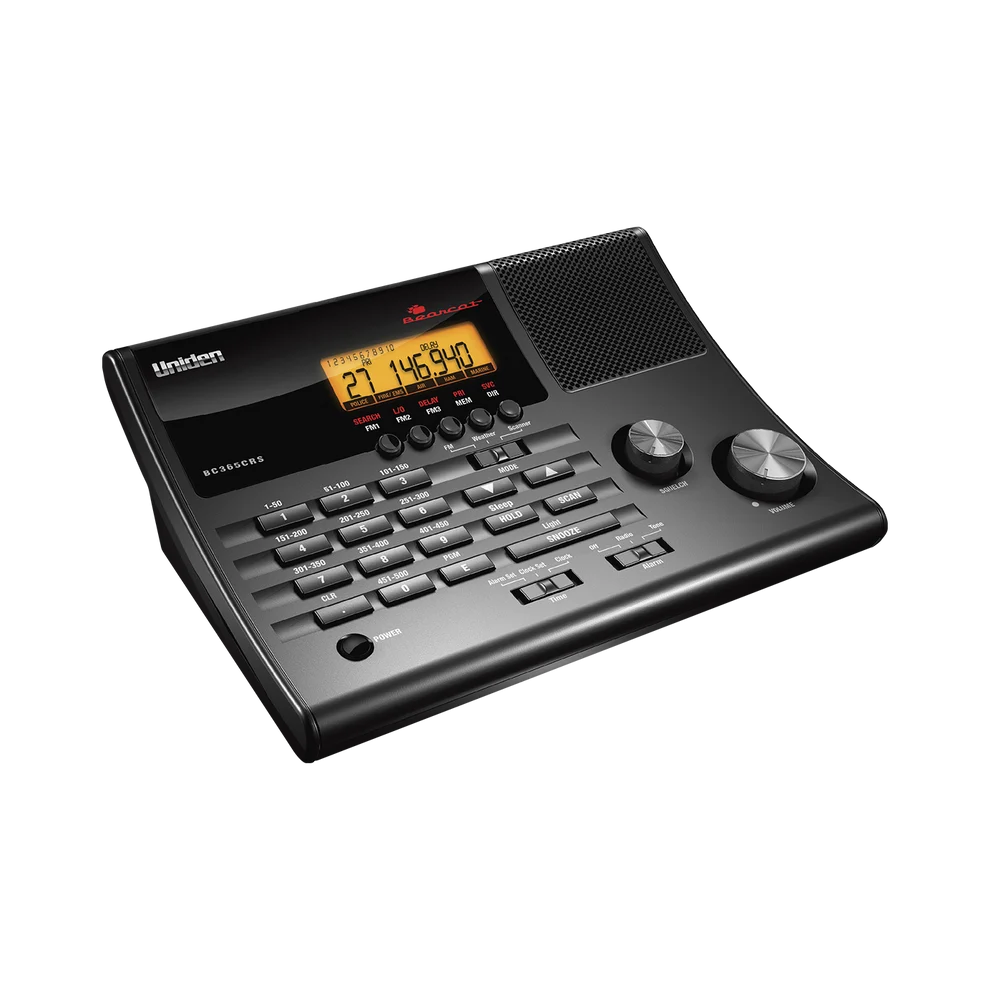
A fixed home listening spot where an integrated clock/FM radio is useful
No digital or trunk-tracking capability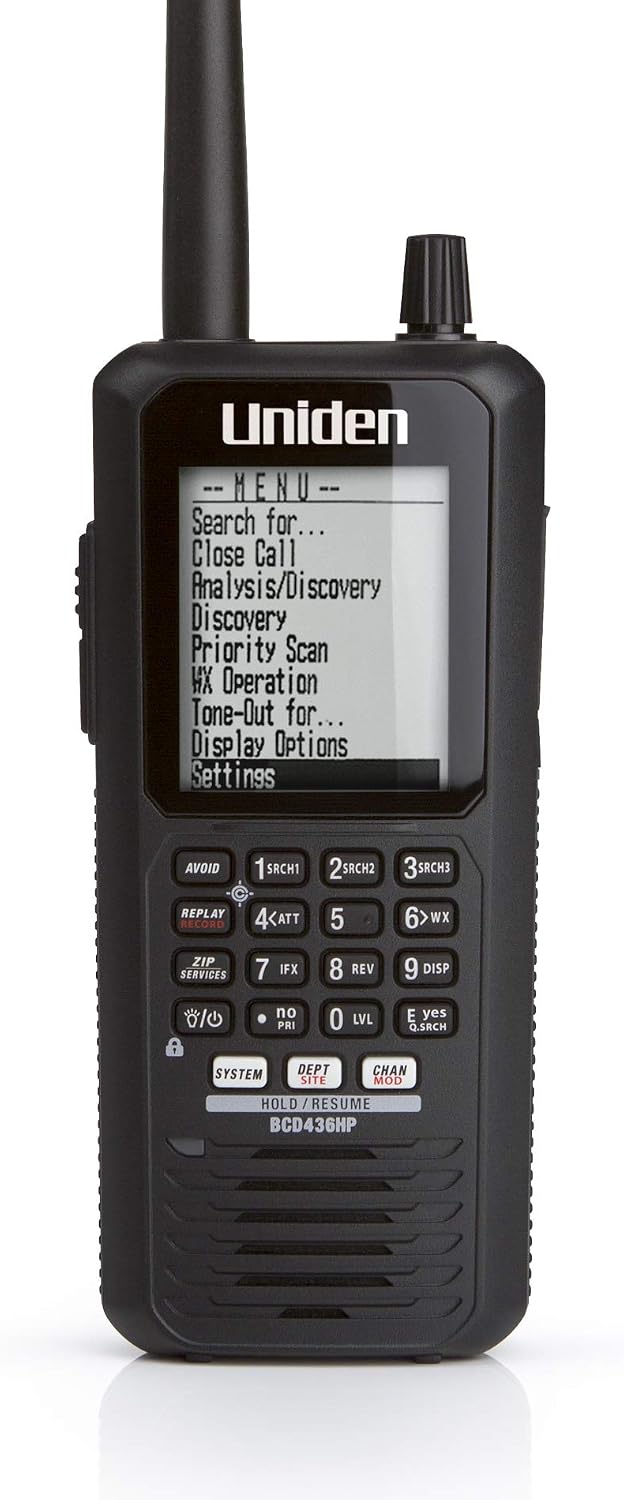
Listeners who want portable P25 trunking and a database-oriented workflow
No integrated GPS receiverSources & further reading
- National Weather Service: choosing a receiver ↗Checked 2026-11-06
- National Weather Service: weather radio FAQ ↗Checked 2026-11-06
- National Weather Service: receiver features ↗Checked 2026-11-06
- Uniden aviation scanning guide ↗Checked 2026-11-06
- Uniden racing scanner guide ↗Checked 2026-11-06
- Uniden BC125AT specifications ↗Checked 2026-11-06