
THE SHORT VERSION
Our verdict
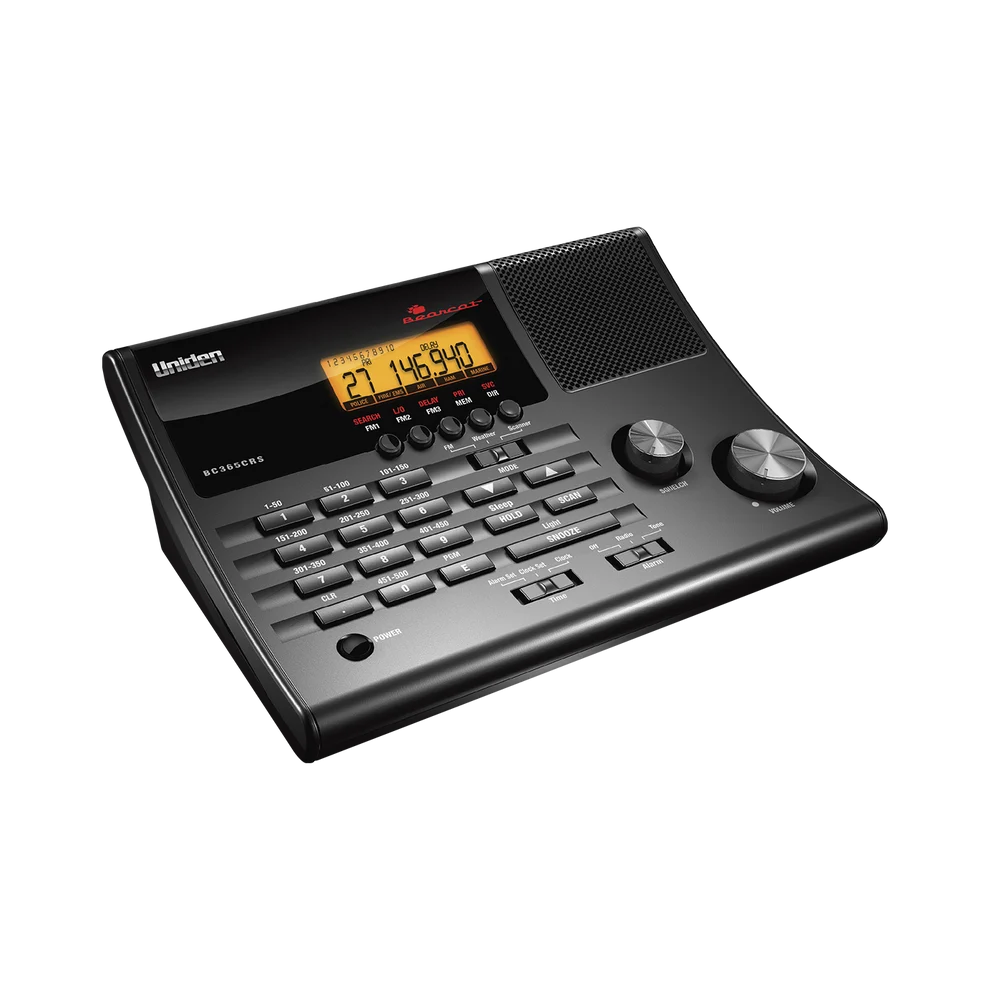
The BC365CRS is an interface-and-location choice: a conventional analog scanner shaped for a desk or bedside table, with FM and clock functions that can make it useful beyond scanning. We would shortlist it when those everyday conveniences match the intended location and the target channels are confirmed compatible. It should not be mistaken for a modern digital public-safety receiver simply because the product description includes police or fire. The strongest buying case is a specific home listening routine, with a clear understanding of which services remain analog and conventional in that area.
A good fit for
A fixed home listening spot where an integrated clock/FM radio is useful
Consider something else if
You need digital voice, trunk tracking or a portable field receiver
Reasons to consider it
- Desktop controls with an integrated clock
- 500-channel conventional scanning
- FM broadcast and weather functions in the same unit
Trade-offs to know
- No digital or trunk-tracking capability
- Bedside convenience is different from emergency-system reliability
AT A GLANCE
The important details
- Format
- Desktop
- Signal
- Conventional analog
- Trunking
- No
- P25
- No
- GPS
- No
- Power
- AC adapter; see manual for backup provisions
- Programming
- On-device channel banks
Specifications are drawn from the linked documentation. Confirm the exact model, current firmware and included accessories with the manufacturer before purchase.
Why a desktop-specific design can help
A radio that is pleasant to use in one room may get more use than a technically broader handheld left in a drawer. That is the practical reason to consider this model. Think about the display position, access to the controls and the way it will share space with other equipment. If you only need one listening location, the absence of portability may be entirely acceptable.
The features that define its role
Uniden lists 500 channels, bank organisation, FM presets, an alarm clock and weather functions. Those features support an everyday desktop role. They do not add digital decoding or trunk tracking. Our advice is to keep the scanner’s clock/FM convenience separate from the compatibility decision: neither helps if the one agency you want has moved to an unsupported radio system.
Build an ordinary listening routine first
Begin with known conventional channels and verify them individually before relying on a broad service search. Choose a sensible squelch setting and test different placements in the room while keeping other settings unchanged. Treat the supplied antenna as a starting arrangement rather than a guarantee of indoor reception. If weather alerts are important, read the manual’s operating-mode requirements and maintain another appropriate source of emergency information.
When the comparison points elsewhere
The BC355N is worth comparing for a compact base/mobile role without making the integrated clock the centre of the purchase. The BCT15X adds selected analog trunking and a different organisational workflow. A HomePatrol-2 is a separate digital-capable touchscreen option, subject to local-system checks. Choose according to the communications and the place you will listen, rather than assuming every desktop scanner can be upgraded into the same capabilities.
A practical check before ordering
Think about whether you want the radio’s clock and alarm to become part of a daily routine or simply prefer its desktop shape. If those extra functions will remain unused, compare simpler base models on controls and supported channels. If they are central, read their operating instructions before buying so the intended scanning, FM and alarm behaviour is clear.
What else belongs on your shortlist?
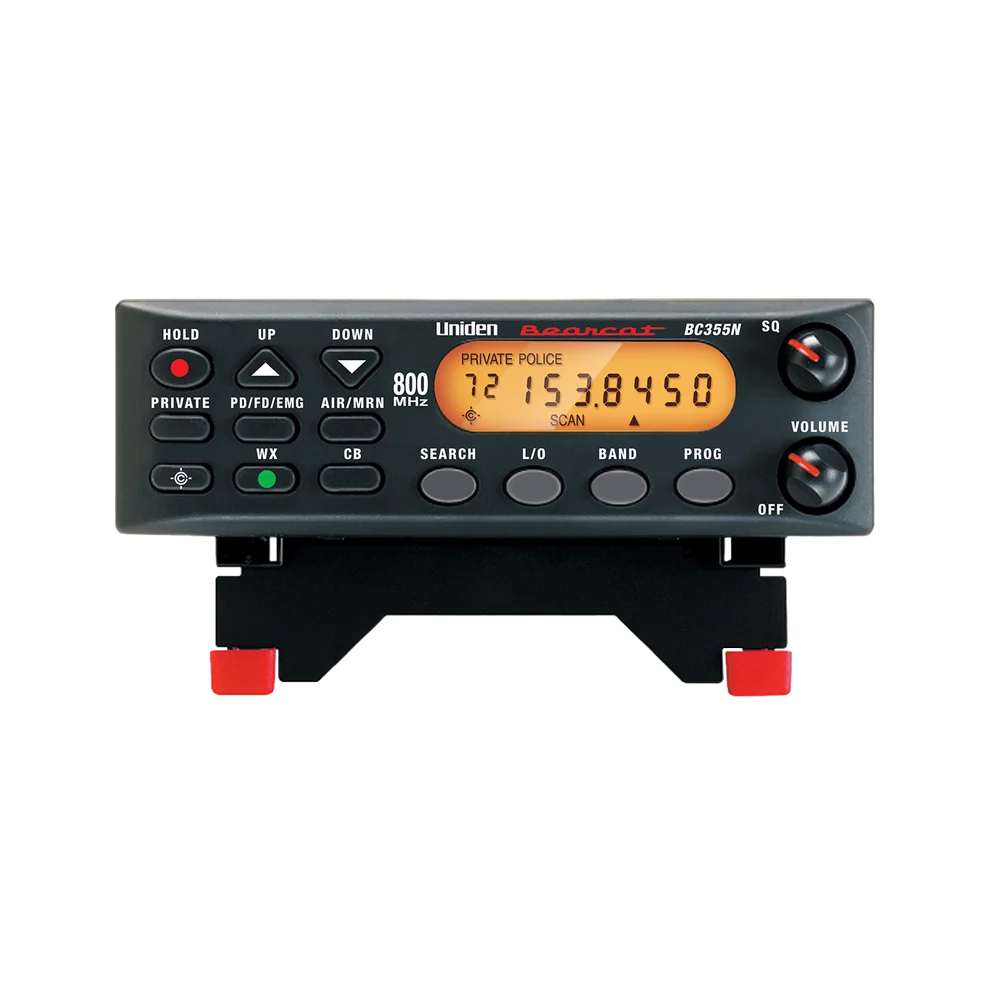
A small desk or vehicle setup for known conventional analog channels
No digital voice or trunk tracking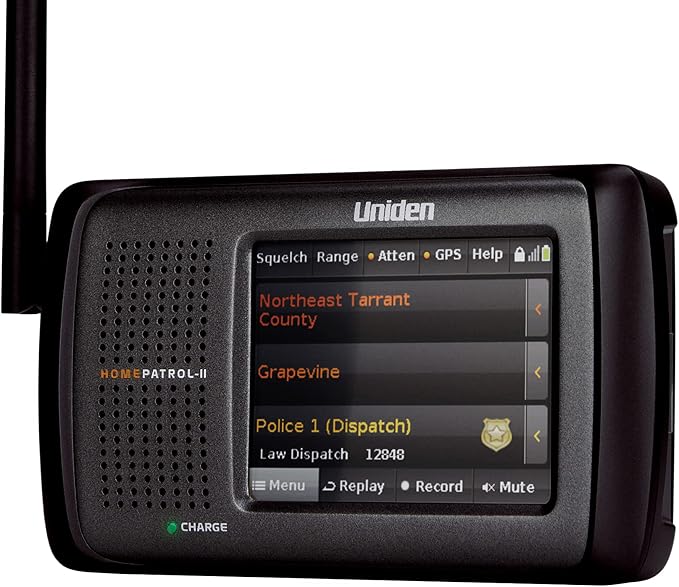
Buyers who prefer a tabletop touchscreen and location-based channel selection
Tabletop shape differs from a conventional handheldCHECK THE EVIDENCE
Sources & specifications
- Uniden BC365CRS: manufacturer specifications ↗Checked 2026-11-06
How we choose and compare scanners. Match the model’s capabilities to your local radio systems before buying.