
A supported protocol name is only the start: check phase, trunking behaviour, options and firmware.
Write the requirement before choosing the model
Start with the precise format used by the channels you want. Keep the system name beside it so you can revisit the evidence. If the only information you have is “they went digital”, pause the shopping comparison and identify the actual technology. Different digital formats create different equipment requirements.
Build a small matrix with one row per candidate radio and one column per required capability. Use “included”, “paid option”, “not supported” and “unconfirmed”. Avoid a simple yes/no when an extra purchase or firmware prerequisite changes the answer.
P25 phase matters
Manufacturers distinguish P25 Phase I and Phase II in their specifications. For example, Uniden lists both for the BCD325P2. Do not shorten that to “P25” in your own shopping notes when the distinction matters to your target. Check the current system requirement rather than relying on what a friend’s scanner could receive several years ago.
The protocol check also does not resolve every reception question. If your local network uses a simulcast layout, investigate suitability for that environment separately. It is better to make that a named requirement than to discover it only after buying a technically compatible model.
DMR and NXDN require model-specific reading
The BCD160DN and BCD260DN illustrate why product positioning matters: their documentation addresses digital conventional scanning. Do not assume that decoding a digital voice format means the scanner performs every associated trunking function. Read the supported operating modes and system types, not just the headline acronym.
An accessory or later software package cannot be assumed to add a missing capability. Before paying for an upgrade, verify the exact model, required firmware and official feature description. Keep the purchase confirmation with the scanner’s records so that future troubleshooting starts from what is actually enabled.
Firmware can affect supported behaviour
Uniden’s BCD436HP release notes document changes to particular DMR behaviour over time. The useful lesson is not that every radio will gain future features; it is that a compatibility statement sometimes depends on a specific firmware version. “The model supports it” can be incomplete without that context.
For a used scanner, ask which optional modes are already activated and how that can be checked on the unit. Treat an undocumented seller claim as unresolved. For a new scanner, separate included functions from the retailer’s optional programming or upgrade service.
Keep encryption outside the upgrade shopping list
A supported digital format does not mean encrypted transmissions become available. Do not buy a codec option with the expectation that it will unlock encrypted channels. If those are the only channels of interest, reassess the purchase rather than building a more expensive incompatible setup.
A strong shortlist has a defensible answer for every required mode and a note for every uncertainty. Only then compare portability, database tools and convenience. This approach also makes conversations with a dealer more productive: you can ask about an exact implementation instead of asking whether a scanner “does digital”.
Put it into practice
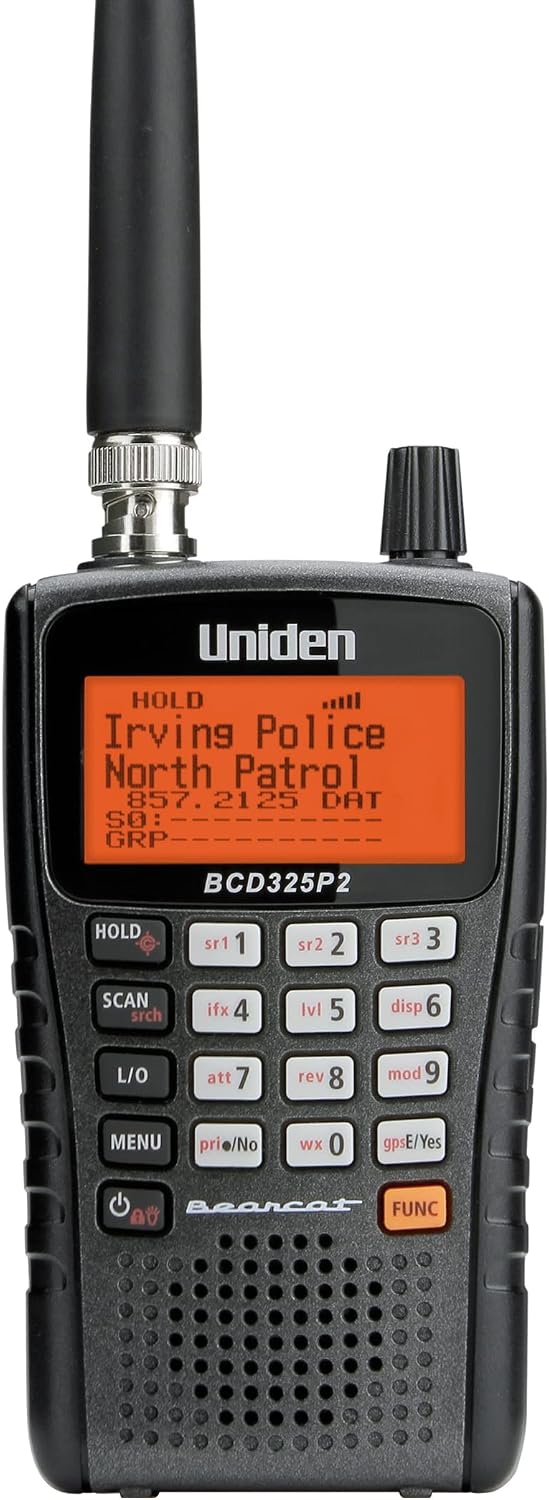
Listeners comfortable selecting and programming specific systems
Requires more deliberate system programming than a database model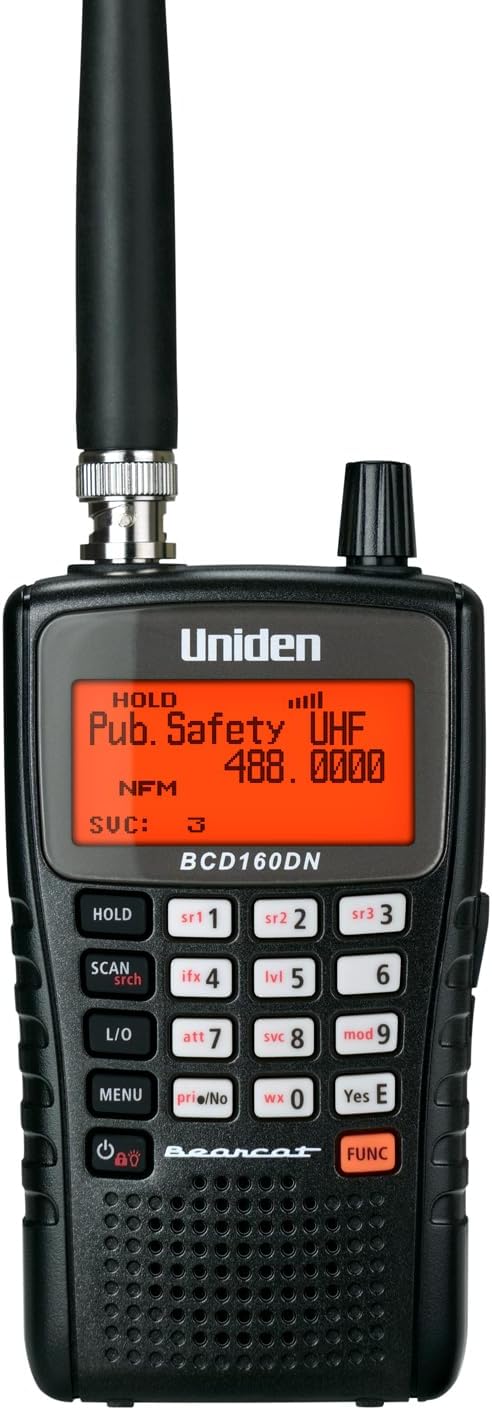
Listeners whose required digital channels can be monitored conventionally
No trunk tracking, including after the P25 update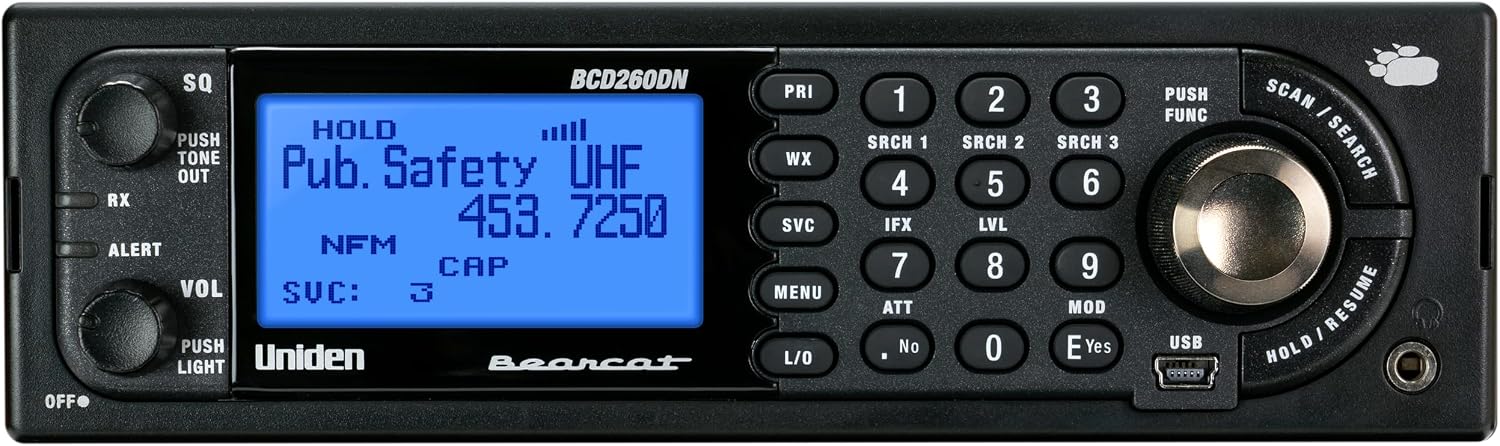
A desktop or mobile station monitoring known conventional digital channels
P25 decoding does not add trunk trackingSources & further reading
- Uniden BCD325P2 specifications ↗Checked 2026-11-06
- Uniden BCD160DN owner’s manual ↗Checked 2026-11-06
- Uniden BCD260DN owner’s manual ↗Checked 2026-11-06
- Uniden BCD436HP firmware release notes ↗Checked 2026-11-06
- Uniden SDS200 owner’s manual ↗Checked 2026-11-06