
THE SHORT VERSION
Our verdict
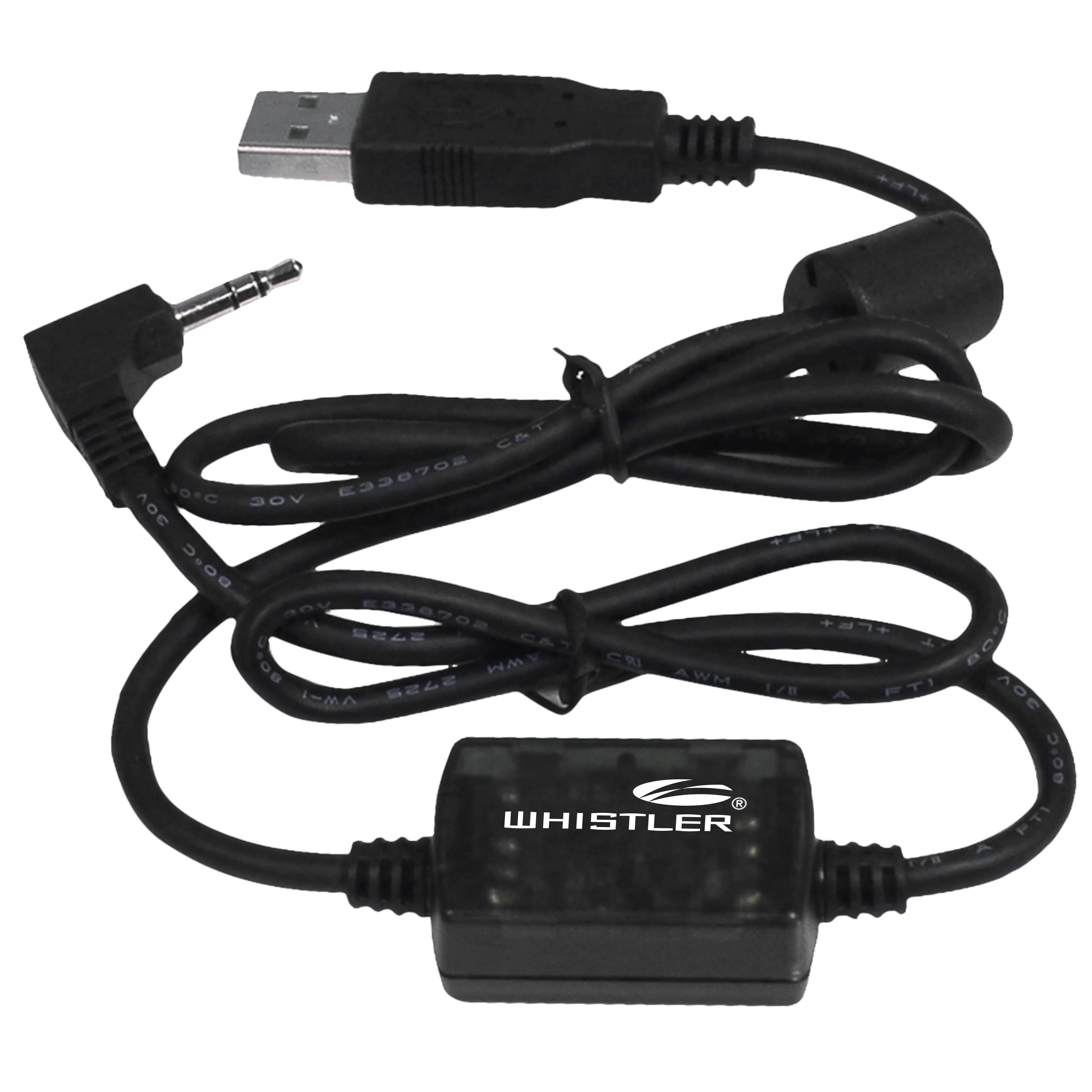
The PC/IF cable is worth considering when computer-based management is part of a supported scanner's workflow. The important distinction is that the cable supplies an interface; it does not supply a complete programming service. You still need suitable software, any necessary drivers and correct information about the systems you want to monitor. For a WS1040 or WS1065 owner entering a substantial configuration, the connection can be useful. A TRX user should check that receiver's separate USB arrangement rather than assuming this cable is required.
A good fit for
WS1040 or WS1065 owners using compatible PC programming software
Consider something else if
You need the TRX series Mini-USB connection
Reasons to consider it
- Explicit supported-model list
- Useful PC programming connection
- Manufacturer interface accessory
Trade-offs to know
- Not a software license or database subscription
- Not a universal USB charging lead
AT A GLANCE
The important details
- Fit
- WS1010; WS1025; WS1040; WS1065
- Purpose
- Computer/scanner data interface
- Software
- Model-specific software and drivers still required
Specifications are drawn from the linked documentation. Confirm the exact model, current firmware and included accessories with the manufacturer before purchase.
Fit and function
Whistler names WS1010, WS1025, WS1040 and WS1065 in the cable's compatibility list. Available programming and update operations vary by radio and software. We do not treat that list as proof that every supported scanner receives identical software features or firmware updates.
The buying decision
Before buying, check the software's operating-system requirements and whether the required application is already available to you. If an old cable stopped working after a computer change, investigate drivers and connection settings as well as physical damage. Keep a backup of a working configuration before experimenting with a new programming workflow. A reliable interface makes transferring a configuration more convenient, but it cannot correct an unsuitable frequency list or make the receiver support a radio format it was not designed to decode.
Models named in the compatibility record
These links use the exact-model source records. Read the individual fit and electrical requirements before ordering; a listed connector or model does not establish every use case.
- Whistler WS1010 — Conventional analog scanning with a bank-based workflow
- Whistler WS1025 — Conventional analog listening with county-selective weather features
- Whistler WS1040 — A deliberately programmed Phase I digital handheld
- Whistler WS1065 — Phase I digital monitoring for a planned fixed setup
What else belongs on your shortlist?
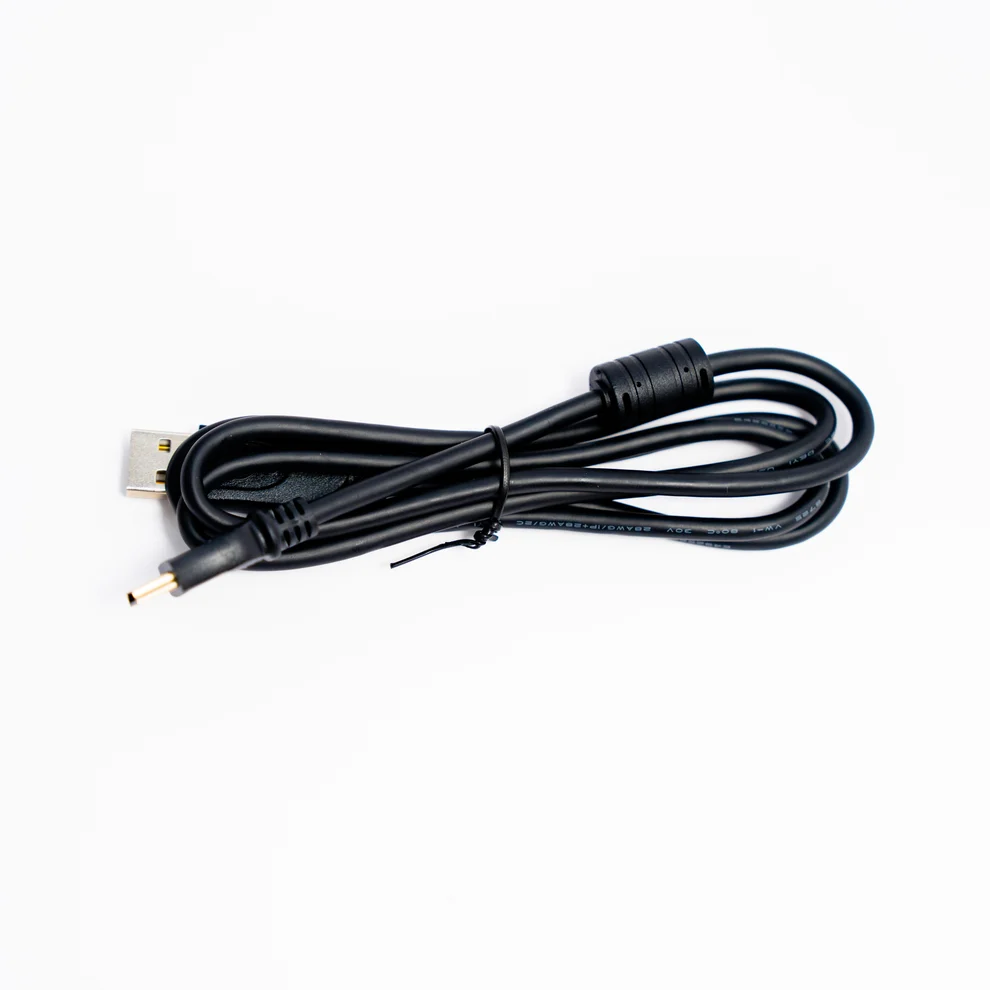
Compatible Mini-B scanner connections needing a replacement lead
Power behavior differs between scanner models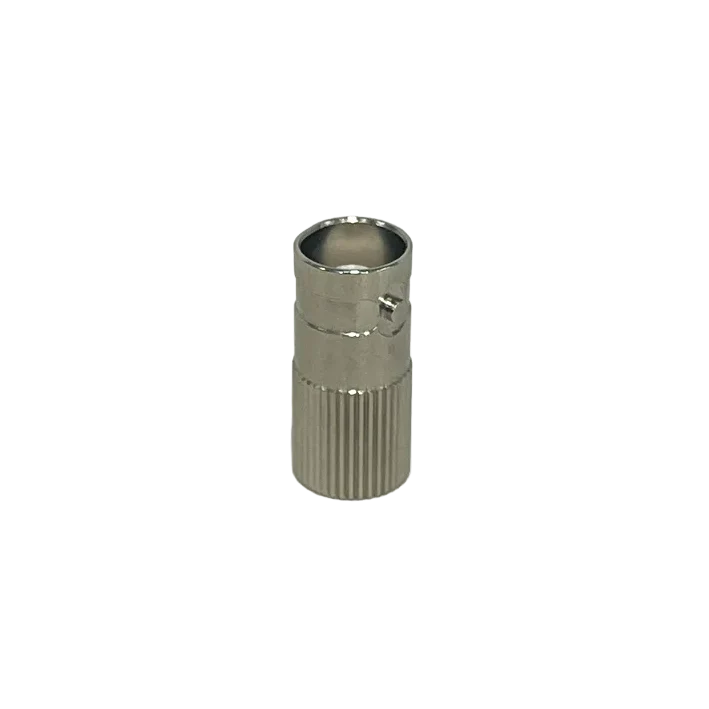
SDS100 or SDS150 owners with a suitable BNC antenna
Adds a mechanical connectionCHECK THE EVIDENCE
Sources & specifications
- Whistler official product information ↗Checked 2026-11-06
How we choose and compare scanners. Match the model’s capabilities to your local radio systems before buying.