
THE SHORT VERSION
Our verdict
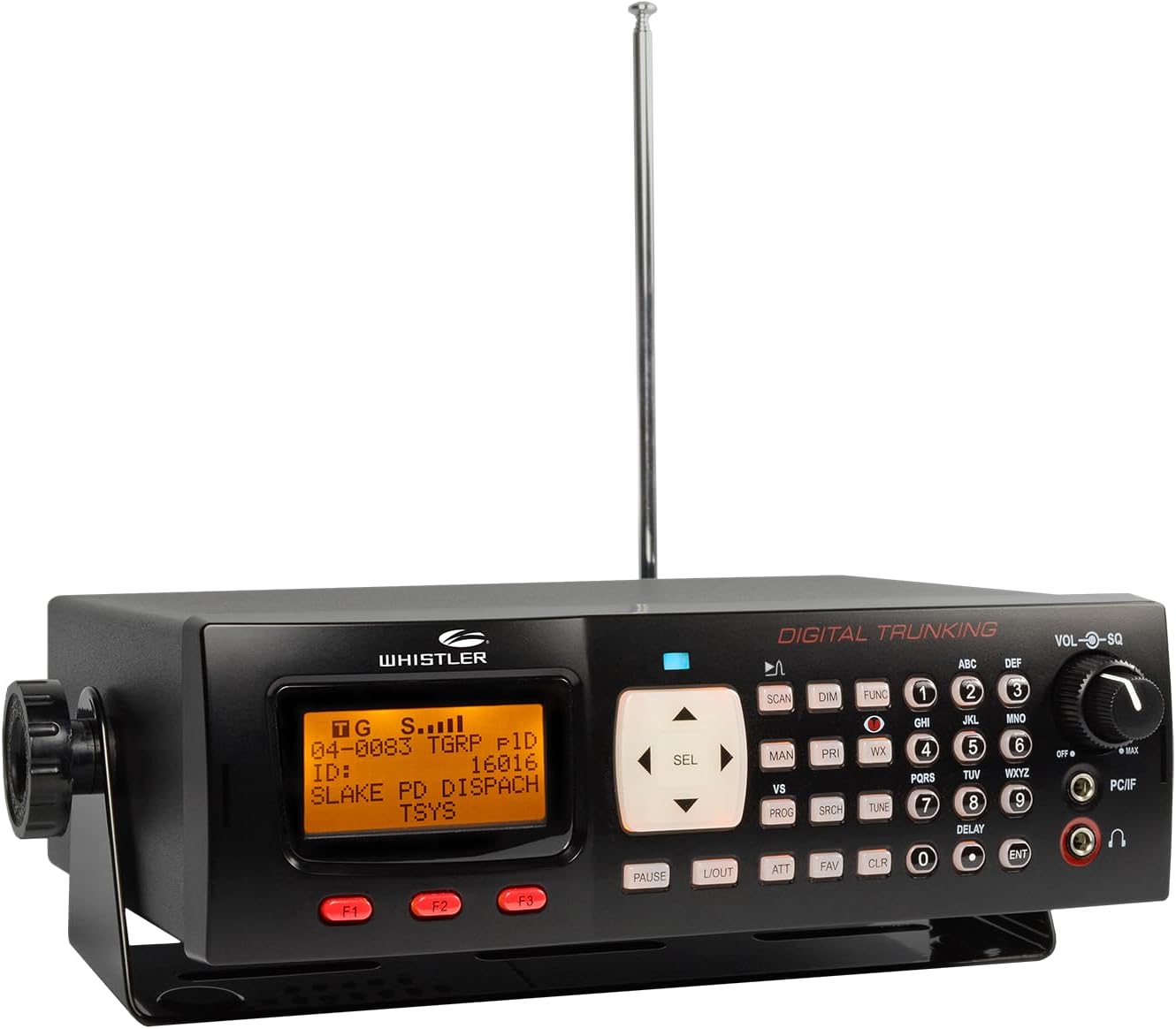
The WS1065 is a fixed-installation candidate for someone with confirmed P25 Phase I or supported analog trunking requirements. It should be judged against that defined task, rather than against an expectation that every digital scanner supports the latest local network. The relationship to the WS1040 is useful: choose the handheld for carrying, the WS1065 for a planned installation. We would compare the complete antenna, power and programming setup before choosing either. Its value depends on compatibility and the owner’s comfort with its organisational approach, not on a broad promise to monitor all nearby emergency communications.
A good fit for
A base or vehicle installation monitoring confirmed supported Phase I systems
Consider something else if
P25 Phase II or database-led automatic setup is essential
Reasons to consider it
- Installed format with AC/DC power options
- Object-oriented scan-list organisation
- Saved configurations for defined monitoring jobs
Trade-offs to know
- No P25 Phase II decoding
- Requires checking software, interface and local-system compatibility
AT A GLANCE
The important details
- Format
- Base / mobile
- Signal
- Analog + P25 Phase I
- Trunking
- Supported P25 Phase I / Motorola / EDACS / LTR
- P25
- Phase I only
- GPS
- No built-in GPS workflow specified
- Power
- External AC / DC
- Programming
- Object-oriented lists; PC/IF cable and compatible software
Specifications are drawn from the linked documentation. Confirm the exact model, current firmware and included accessories with the manufacturer before purchase.
Define the required digital capability
Whistler lists P25 P1 and selected Motorola, EDACS and LTR trunked-system support. The essential exclusion for many buyers is Phase II. Check the actual talkgroups and voice formats you want before taking an offer seriously. Do not treat a successful test on an analog channel as proof that the desired digital system is supported. Each part of the intended listening list deserves a separate compatibility check.
A fixed setup needs a location plan
The radio’s base/mobile format can suit a desk or planned vehicle mount. Decide where the display can be read and where the antenna cable will exit. The manual provides the model’s power and connection requirements; use those rather than choosing adapters by plug shape alone. A fixed installation is an opportunity to make everyday operation tidy and repeatable, not simply to fit a larger radio into the available space.
Organising the scan list
The object-based approach rewards a deliberate collection of systems and talkgroups. Our recommendation is to start with one known working system, save it and then add another. That sequence isolates mistakes and leaves a working backup. PC programming requires the appropriate interface and compatible software; an included cable does not imply that every programming application is included or that a different Whistler family’s application will work.
Compare on the reason for buying
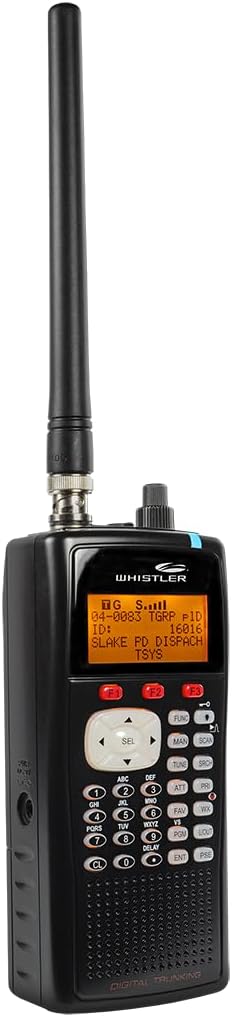
The TRX-2 is relevant when Phase II, its documented additional digital formats or a database-oriented workflow are necessary. The WS1040 is relevant when you want the same general class of capability in a handheld. A BCD996P2 is another installed-format comparison with different system support. The WS1065 should stay on the shortlist when its confirmed supported systems are the ones you actually need, and when you understand how you will maintain the programming.
A practical check before ordering
Consider whether the scanner will be operated from its front panel every day or mainly left on a stable list. The answer affects how much value you place on display position and quick access to groups. Plan those interactions before mounting it. A permanent installation is easiest to live with when its ordinary controls remain accessible without moving the radio or its wiring.
Accessories with documented model fit
These links use the exact-model source records. Read the individual fit and electrical requirements before ordering; a listed connector or model does not establish every use case.
- Whistler telescopic desktop antenna — A replacement whip for compatible base scanners
- Whistler WMM-860 Skyscan desktop antenna — A larger indoor antenna for a fixed listening position
- Whistler WS1065 / TRX-2 AC adapter — A replacement supply for compatible base models
- Whistler desktop/mobile mounting bracket — Replace a missing base-scanner bracket
- Whistler PC/IF programming cable — Connect supported scanners to a computer
What else belongs on your shortlist?
Listeners with confirmed P25 Phase I or supported analog trunked systems
Does not provide P25 Phase II decoding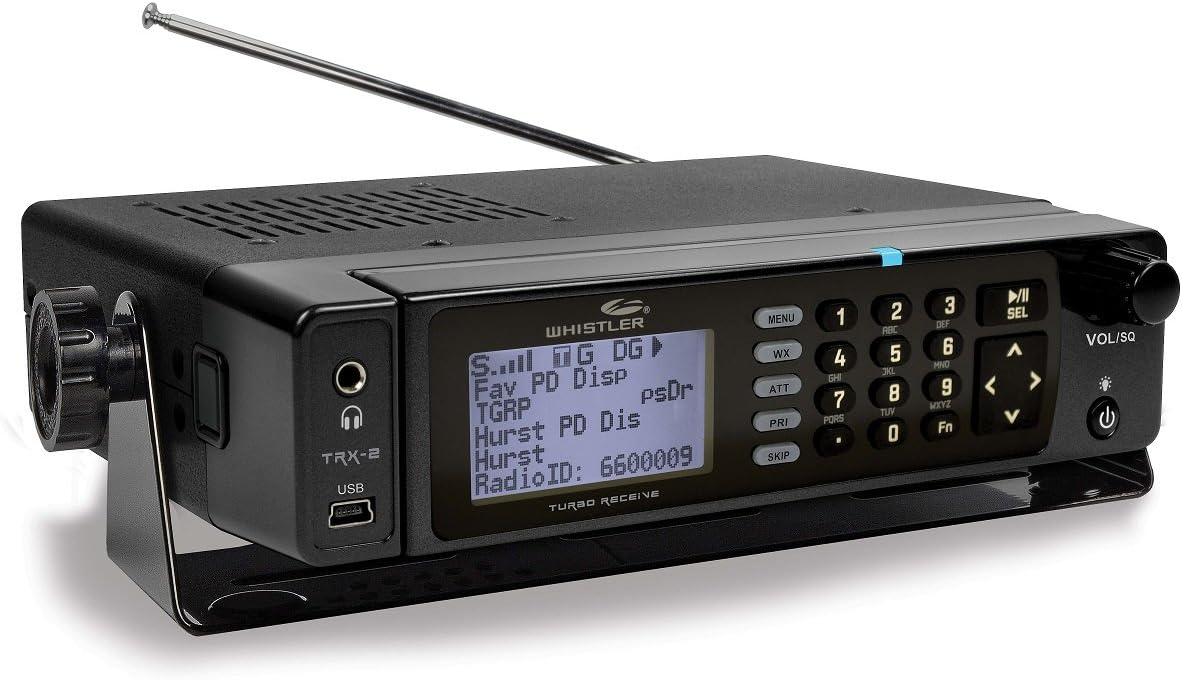
An installed setup where separating the display from the receiver is useful
Remote-head cabling must be plannedCHECK THE EVIDENCE
Sources & specifications
- Whistler WS1065: manufacturer specifications ↗Checked 2026-11-06
- WS1065 owner manual ↗Checked 2026-11-06
How we choose and compare scanners. Match the model’s capabilities to your local radio systems before buying.