
THE SHORT VERSION
Our verdict
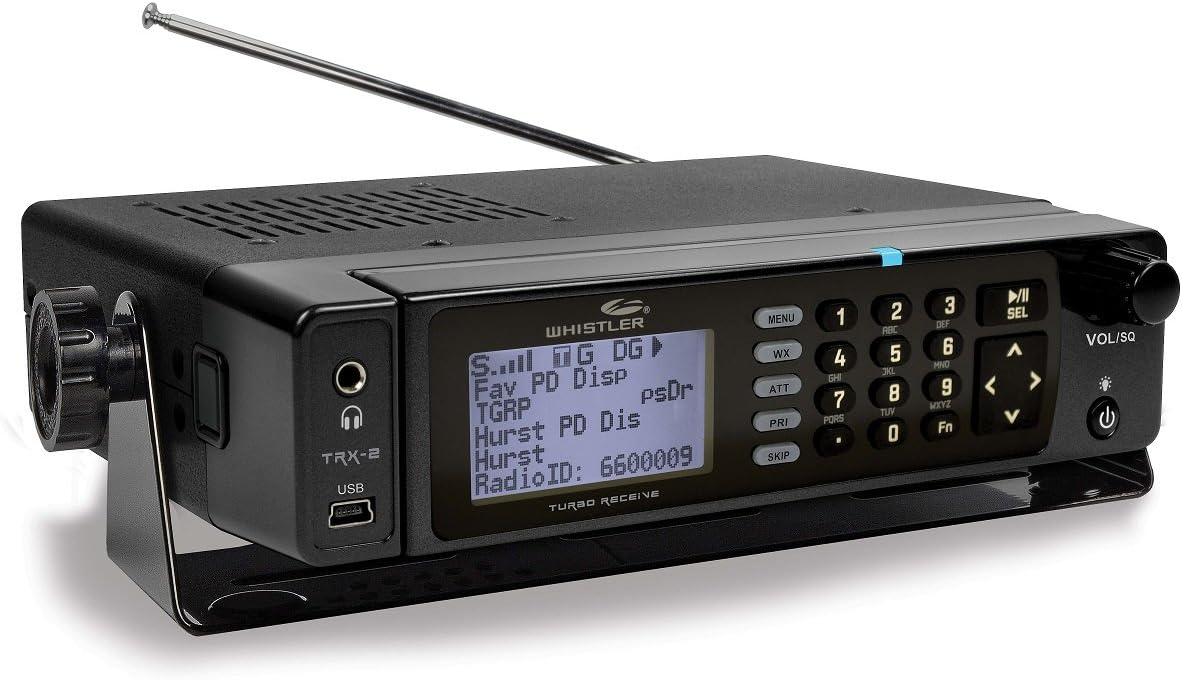
The TRX-2’s most distinctive buying argument is its detachable control head. That can matter when the convenient place for the display is not the convenient place for the receiver and its cables. Add its documented P25 Phase I/II, DMR and NXDN support, and it becomes a substantial installed-format candidate. We would still confirm the exact target systems and their expected monitoring behaviour before buying. Its broad format list does not make it a universal receiver, and our review does not claim that the hardware has been measured against competing models in the same signal environment.
A good fit for
An installed setup where separating the display from the receiver is useful
Consider something else if
You need a battery-powered handheld or assume universal digital compatibility
Reasons to consider it
- Detachable control head creates installation options
- P25 Phase I/II and documented DMR/NXDN support
- SD-card database and recording workflow
Trade-offs to know
- Remote-head cabling must be planned
- Exact-system support and simulcast suitability require checking
AT A GLANCE
The important details
- Format
- Base / mobile; detachable head
- Signal
- Analog; P25 / DMR / NXDN digital
- Trunking
- Supported systems; verify exact DMR/NXDN behaviour
- P25
- Phase I & II
- GPS
- No integrated GPS workflow specified
- Power
- External AC / DC
- Programming
- EZ Scan / SD-card database
Specifications are drawn from the linked documentation. Confirm the exact model, current firmware and included accessories with the manufacturer before purchase.
The installation advantage to evaluate
A separate control head creates options, but only if the planned arrangement is practical. Decide where the display, main unit, antenna and power supply will sit, and check the supplied connection equipment. The manual identifies the remote-head components, so compare an actual offer with that package rather than assuming every used unit is complete. Installation flexibility is a strong reason to choose this model when it solves a real space problem.
What digital coverage means here
Whistler documents several supported digital formats and trunked-system types. Use that information to check the actual system you want, especially where DMR or NXDN implementation details matter. A decoder’s format support and its method of following a network are related but separate questions. Our recommendation is to resolve those questions before buying programming services, then verify reception in the location where the receiver will actually be installed.
A maintainable SD-card workflow
EZ Scan and the SD-card database are central to organising the radio. Build a small verified list before adding every nearby service and make a backup before major changes. Recording, scan lists and saved configurations can be useful when they are tied to a clear purpose. An enormous stored catalogue is less helpful if the everyday user cannot tell which list is active or restore a configuration that previously worked.
Alternatives that answer different needs
The TRX-1 is the portable alternative if the radio needs to leave the installation regularly. The SDS200 deserves comparison when local simulcast and receiver architecture dominate the decision. The WS1065 is a narrower Phase I option rather than a complete substitute. Choose the TRX-2 for the combination of its supported systems, management approach and installation layout, with the full equipment list included in the purchasing comparison.
A practical check before ordering
If the detachable head is the reason for purchase, draw the proposed cable route and identify mounting surfaces before ordering. Confirm which brackets and connection parts are in the actual package. A remote display can solve a cramped layout, but an incomplete used package can turn that advantage into a separate sourcing project. Compare the assembled installation, not just the receiver’s advertised price.
Accessories with documented model fit
These links use the exact-model source records. Read the individual fit and electrical requirements before ordering; a listed connector or model does not establish every use case.
- Whistler telescopic desktop antenna — A replacement whip for compatible base scanners
- Whistler WMM-860 Skyscan desktop antenna — A larger indoor antenna for a fixed listening position
- Whistler WS1065 / TRX-2 AC adapter — A replacement supply for compatible base models
- Whistler desktop/mobile mounting bracket — Replace a missing base-scanner bracket
What else belongs on your shortlist?
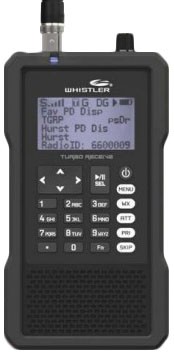

Listeners who want a Whistler handheld covering supported P25, DMR and NXDN traffic
System-specific behaviour still needs verification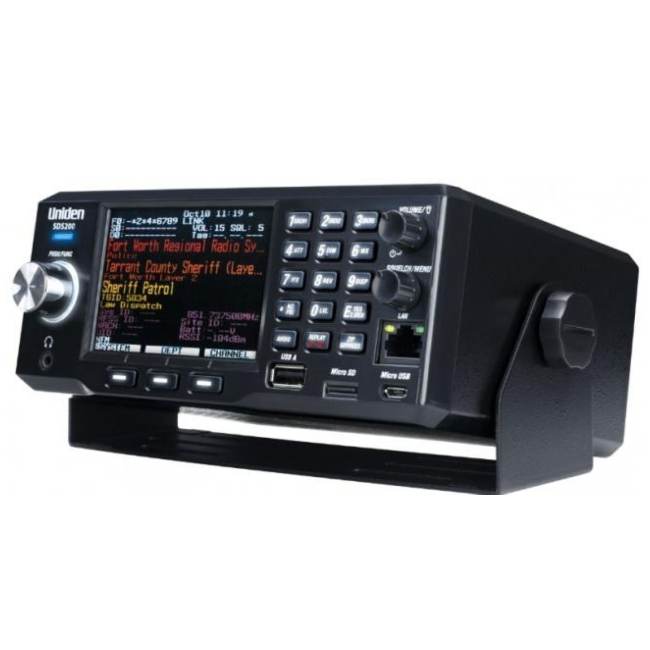

A fixed listening station or an installed mobile setup
Requires an external power arrangementCHECK THE EVIDENCE
Sources & specifications
- Whistler TRX-2: manufacturer specifications ↗Checked 2026-11-06
- TRX-2 owner manual ↗Checked 2026-11-06
How we choose and compare scanners. Match the model’s capabilities to your local radio systems before buying.